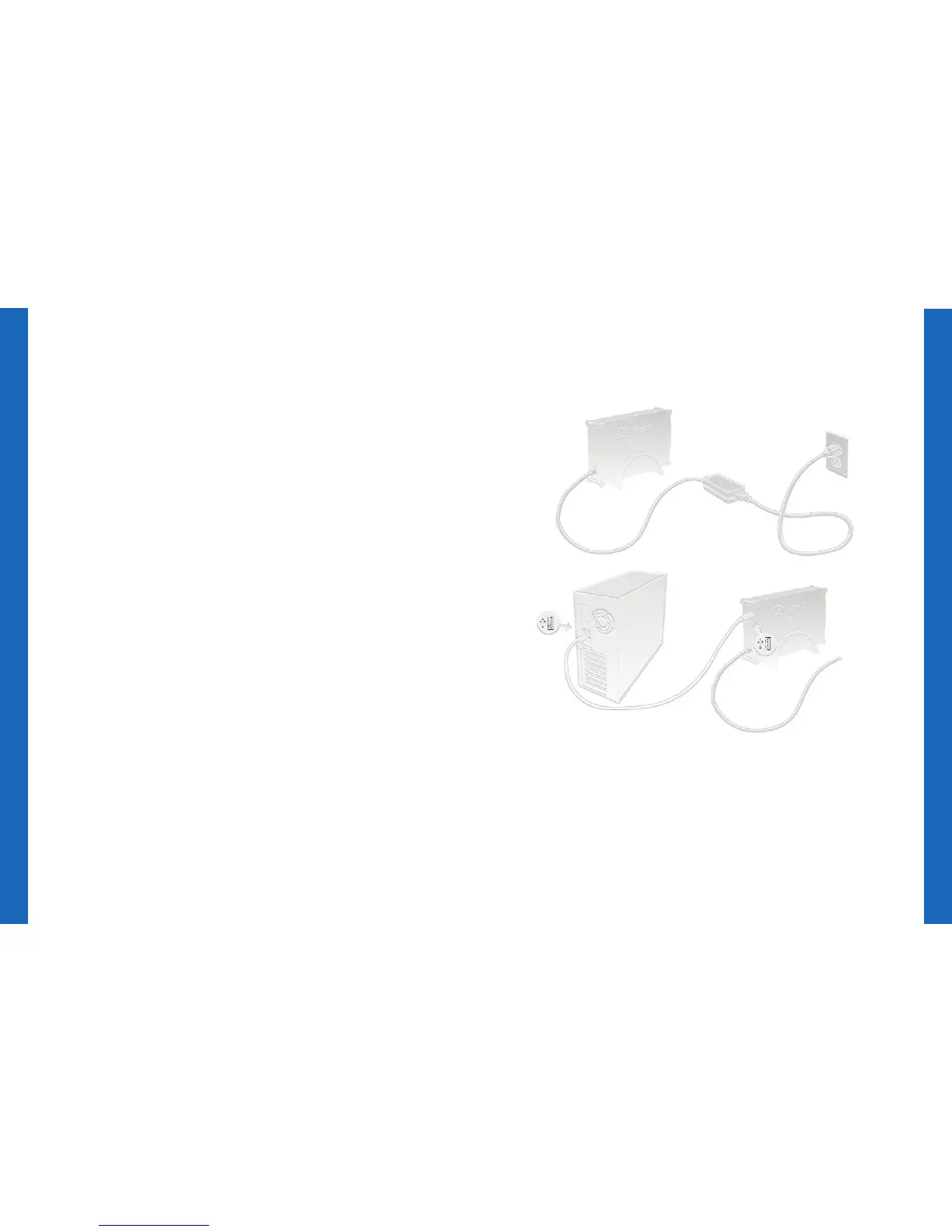
Connect one end of the power cord to the
power supply socket on the back of the external
drive and the other end to an electrical outlet.
Attach one end of the USB cable to the back
of the external drive and the other end to an
available USB port on the back of your
computer.
Press the power button on the back to turn it ON.
After Windows recognizes your external drive
and assigns it a drive letter, it is ready to use.
StorageVault, MobileVault, and PortableVault
drives have a light to indicate drive activity.
Connecting the drive
1
2
3
4
StorageVault


 To Next Page