Why are the ResponseCards not working in the polling test?
Check the following:
Have you selected the Start Test button to open the polling test?
Are there any other TurningPoint applications open at the same time, such as TurningPoint
AnyWhere or TestingPoint? (You can only have one TurningPoint application open at a time).
Have you pressed an alpha/numerical key on the ResponseCard RF?
What does it mean if no light displays when a button is pressed?
The ResponseCard batteries may have become slightly loose, or may have run down.
Before replacing the batteries, check if they have become loose by opening the battery cover and
lifting the battery contacts slightly. If this does not help the batteries will need to be replaced.
How do I know if the batteries are low?
The average battery life is 6 to 12 months. A low battery is indicated by a very dim LED. It will also
blip much faster, it is recommended that the batteries are replaced as soon as you notice these
indicators.
What type of battery does ResponseCard RF require?
Each ResponseCard RF comes equipped with two 3.0V lithium coin cell batteries model number
CR2032. Replacements can easily be purchased at most electronic retail outlets. Keepad Interactive
will provide batteries for replacement; discounts are available to customers with a current Annual
Support and Warranty Agreement.
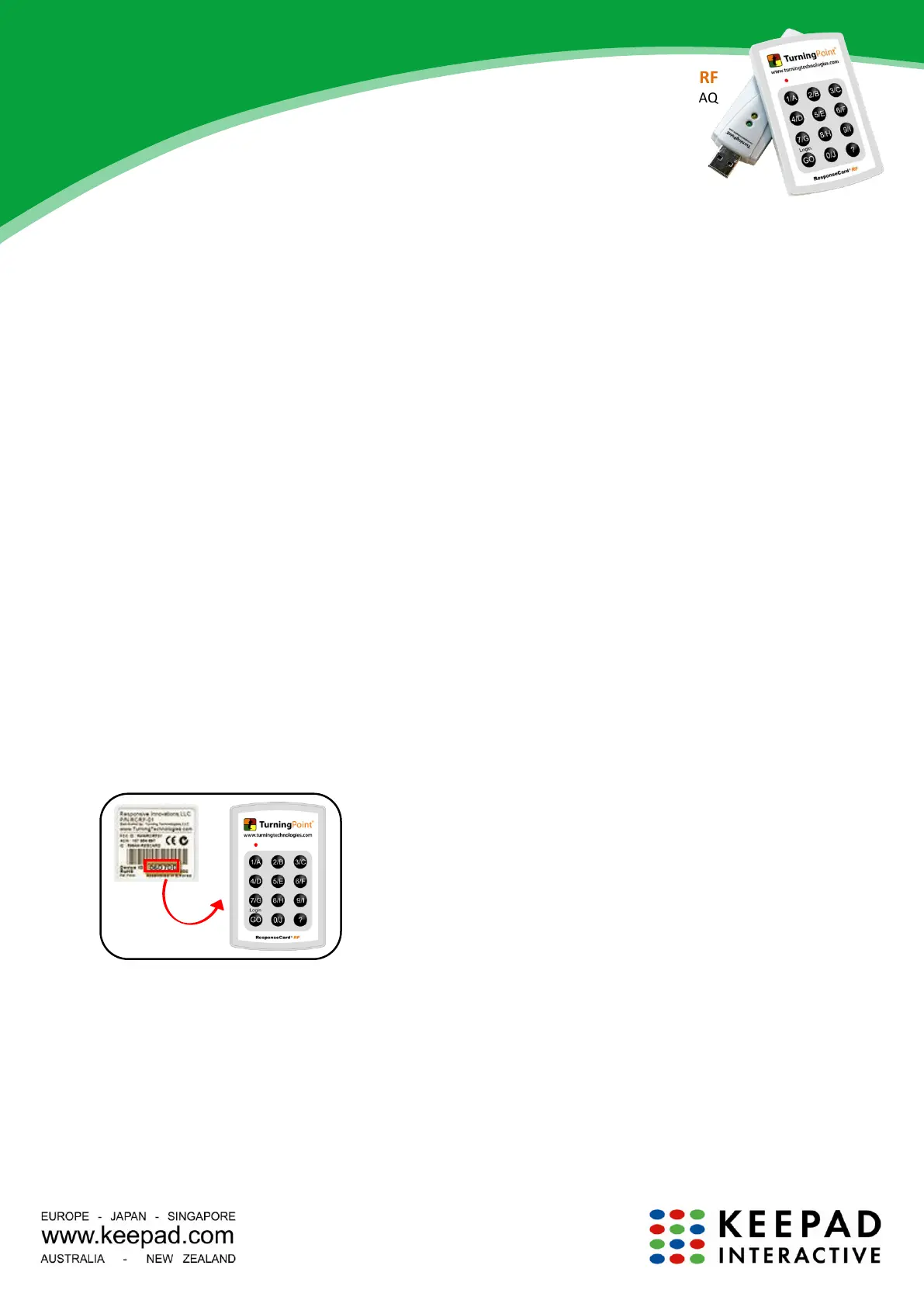
Where do I find the device ID number?
The device ID number is located on the back of your ResponseCard under the bar code. Your device ID
number will be either a 6 digit alpha-numeric code or a 6 digit numeric code. The numbers can only be
0-9 and A-F. For example, your number will not contain the letter O or the letter I.



 To Previous Page
 Loading...