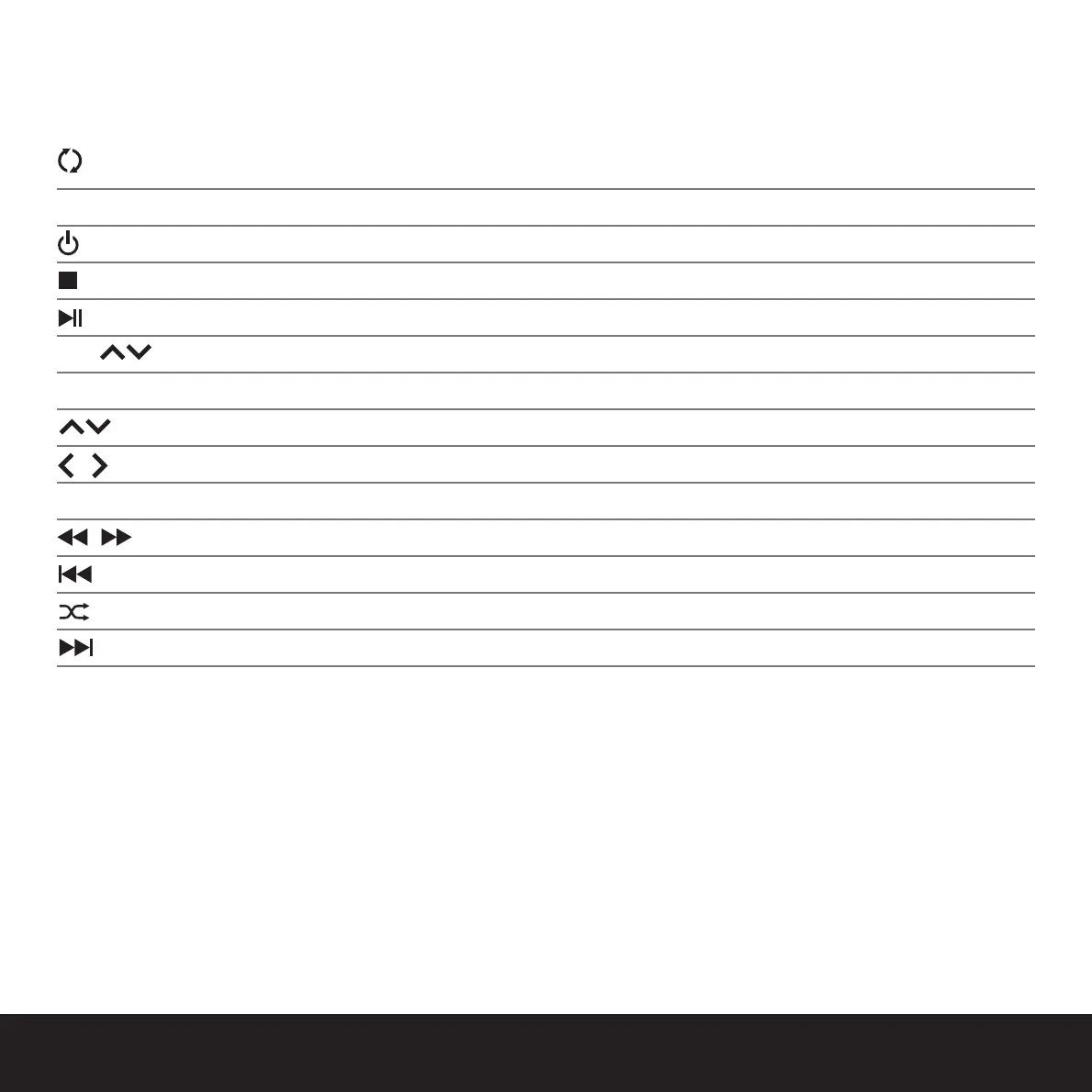
display the menu on the iPod screen /
display the menu on the TV screen
MUTE mute and activate the volume
turn the system on and off
stop the current track playing
play or pause the selected track
VOL increase or decrease the system volume
MENU go to previous menu
navigate the menu
page skip up or down a menu screen
SELECT play the iPod music track or select the highlighted menu item
rewind or fast-forward through a track
jump to previous track
repeat-track / repeat-all / shuffle
jump to the next track
Videos and Photos are only displayed on the TV screen if the PLAY button is pressed on the iPod and the iPod supports these features. -
Also the iPod TV out settings must be set to ON in both the Slideshow and the Video Settings menus.
Connecting an MP3 player via an audio cable (not included) to KEFDock will switch off iPod connection. To switch back to the iPod
playback, unplug the audio cable from the KEFDock.
(GB) Navigation
K7240 picoforte3 11/4/07 17:07 Page 6


 To Next Page