Discovering Algebra Calculator Notes for the Texas Instruments TI-84 Plus ©2014 Kendall Hunt Publishing 3
Note: Entering Lists (continued) TI-84 Plus
On the TI-84 Plus, to recall a list that is archived, you must enable the list first
and then recall it. Using the Resetting a List procedure will enable lists L1
through L6 whether they are archived or not.
Moving a List
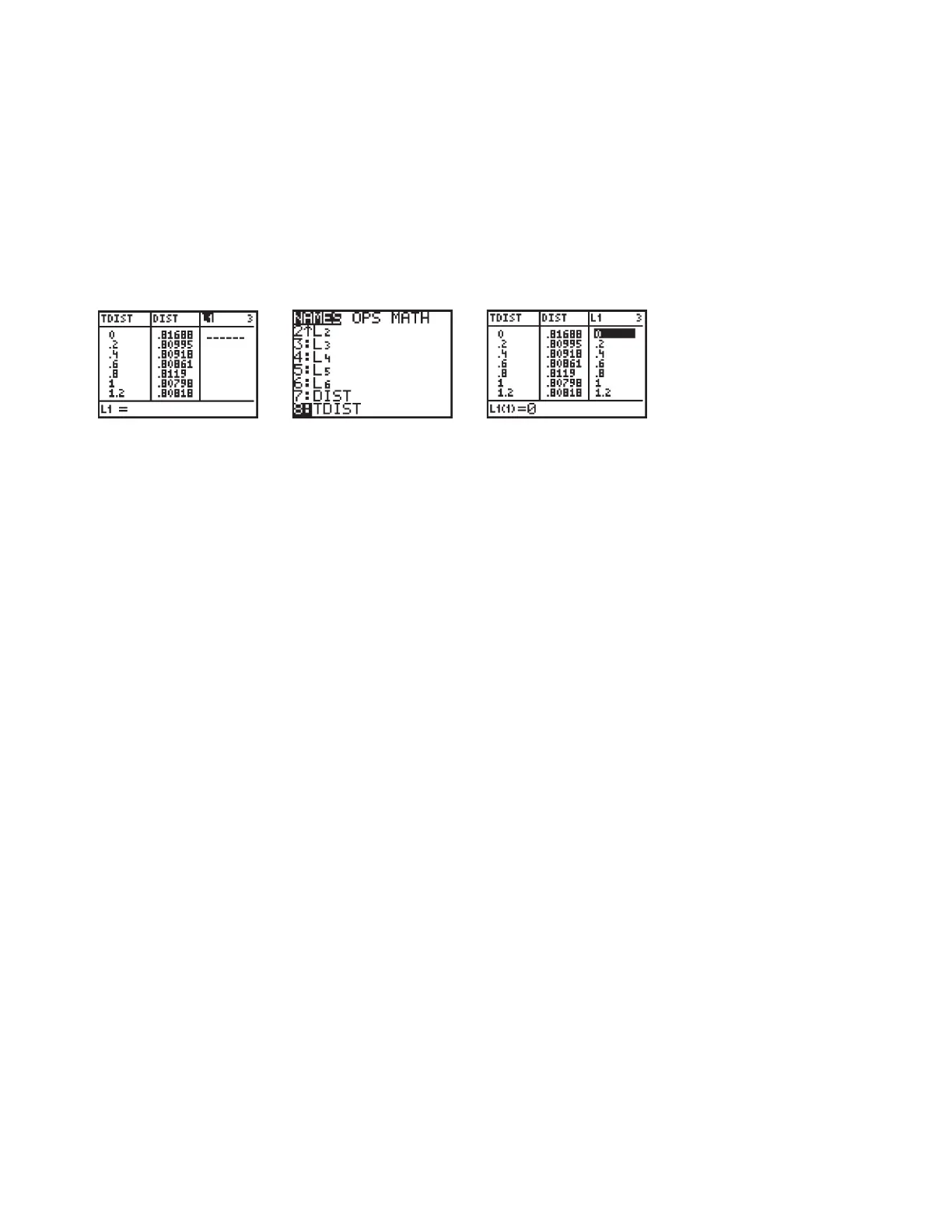
To move a list, begin by highlighting the name of an empty list. Press y 9,
arrow down to the name of the list you want to move, and press Í Í.
The list data appears. You can now delete or overwrite the data in the original
list, and the data will remain in the new list.


 To Previous Page
 Loading...