NOTE:
For best performance, empty
dust cup after every use. Never operate
vacuum cleaner without dust cup and
filters in place.
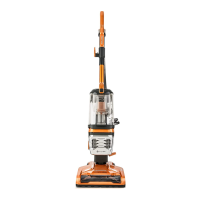
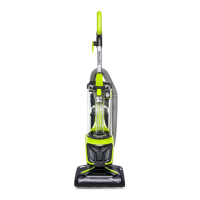
1. Slide the dust cup release button to
remove the dust cup from the main body.
2. Remove any clogs that might be located
in the suction port.
3. Position dust cup area of vacuum over
a waste receptacle. Press down on the
dust release button to open dust cup lid
and allow contents to drop into waste
receptacle.
4. Shake the dust cup to release any debris
that might hang in the pre-filter.
5. Reinstall and insert the dust cup into the
slots on the bottom of the main body,
then press the dust cup into locked slot
and click into place.
- 16 -
EMPTYING DUST CUP
WARNING
Always unplug power cord from
electrical outlet before performing any
service on vacuum cleaner.
Ⅰ
Ⅰ
Ⅱ
Ⅱ
Suction Port
Dust Cup
Dust Cup
Release
Button
Dust Release
Button




 To Next Page