English
27
Connections
Turning this unit ON
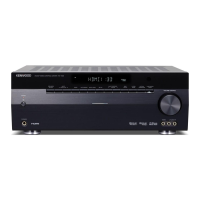
1 After completing all of the necessary connections, connect the power cord to a wall power outlet.
The standby indicator on the front panel lights red to indicate the standby mode.
2 Press the [ (Power)] key of this unit or the [ RECEIVER] key of the remote control unit to turn this unit ON.
The standby indicator on the front panel goes out and the display panel lights up.
To turn this unit OFF (standby mode)
Press the [ (Power)] key of this unit or the [ RECEIVER] key of the remote control unit.
5(&(,9(5
B60-5827-08_00_En.indd 27 10.8.3 11:07:57 AM


 To Next Page
 Loading...