The User Menu / Bluetooth Menu
If you have selected an individual user, you will be taken to that User Menu. Here everything
revolves around personal training. The guest User Menu contains only the training programmes.
Selecting this menu item takes you directly to the last training programme which was be-
gun. This menu item is always preselected when entering the User Menu. Thus, the last
training is only one click away.
2 Training Programmes
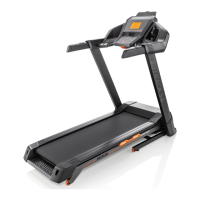
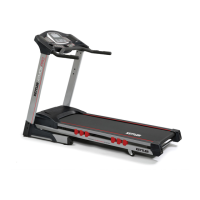
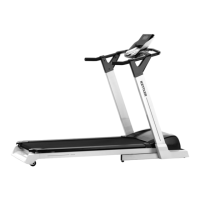
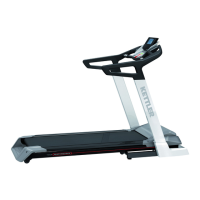
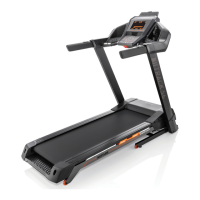
In this menu item you will nd all available training runs for your KETTLER Treadmill.
With this training you can easily create your own individual workout. You can
download the instructions at www.kettlersport.com.
In this menu item you will nd your personal overall performance,
the result of your last workouts, as well as your best performances over 3 km, 5 km and 10 km.
Under Personal Settings, you can make all user- settings (for example, changes in
age or training level). Changes in this menu have no effect on the settings of other users and
thus correspond only to your individual wishes.
For connection to the chest strap, tablet or PC
The KETTLER Treadmill can be linked with a KETTLER Smart Chest Strap, for example, which
supports low-energy technology. In addition, the KETTLER treadmill can be connected
to smart-phones, tablets or PCs with Bluetooth v4.0 or higher in order to obtain a wide variety of
training options with the corresponding programmes or apps.
Connecting to a heart rate monitor
A short push on the Bluetooth button takes you to the Bluetooth setup menu to connect your heart
rate sensor to the training display. Complete this process by selecting the sensor found using the < >
keys. You can also delete a connected sensor here
If the sensor is connected, a message appears in the display. Press the Bluetooth button again to
return to the start menu. The heart rate sensor is now
connected for a workout and can be used.


 To Next Page
 Loading...