8
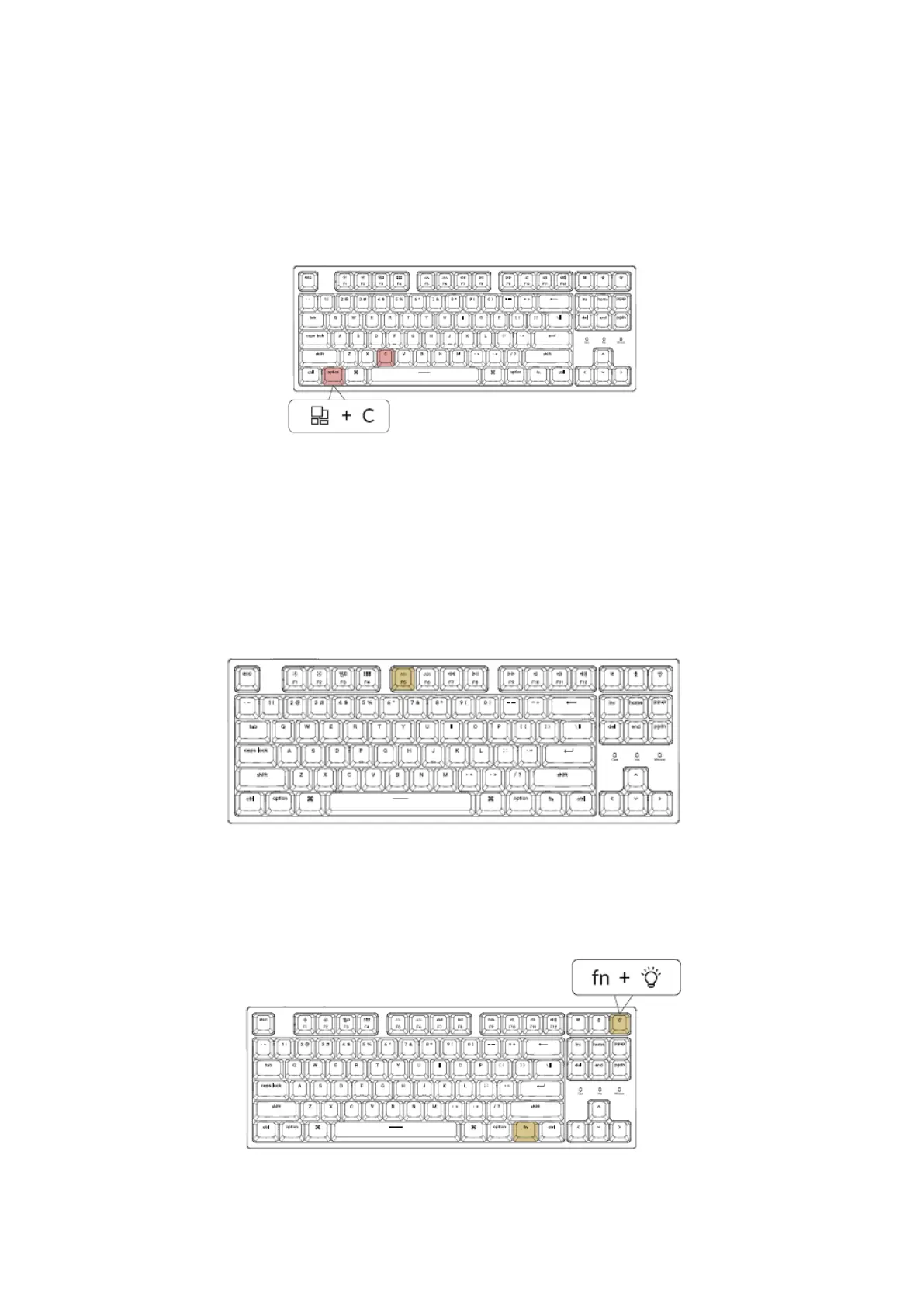
For Cortana on Windows: Select Start > Settings > Cortana and select the shortcut bz
pressing Windows key + C key.
Windows Cortana is only available for Windows 10 and above OS. Cortana is only
available in certain countries / regions and might not work everywhere
Turn Off the Backlight
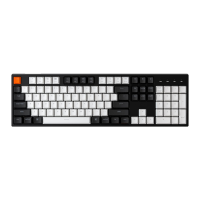
If you are on the Mac, the default is to press F5 Key. If you are on the windows, the
default is to press fn+ F5 key.
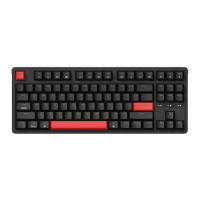
Or press the Fn + Light effect key


 To Next Page