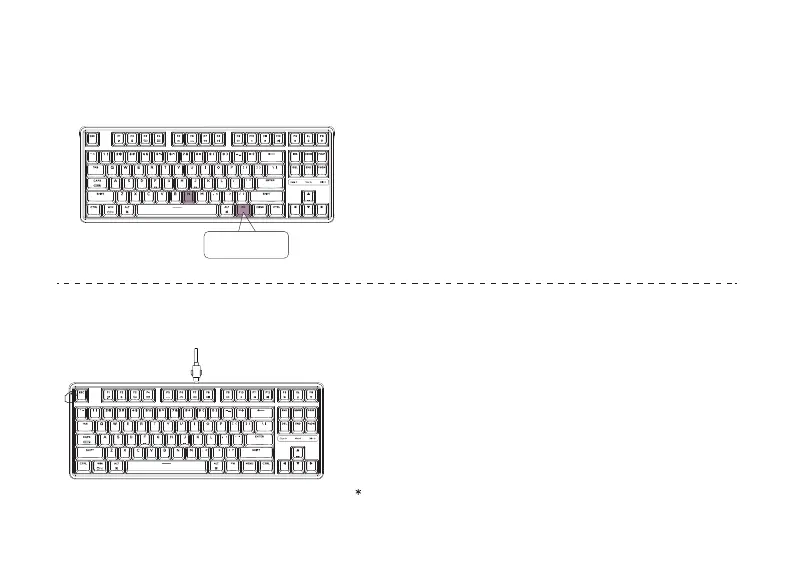
Factory Reset
8
6
Press FN + N to switch 6-key rollover/N-key rollover
6-key rollover: the keyboard can detect up to 6 simultaneous key inputs.
N-key rollover: the keyboard can detect all key inputs without limit to
the number of key presses.
* The keyboard turns on the N-key rollover by default.
The Key Rollover
7
① Plug in the power cable and factory reset the keyboard by pressing
fn + J + Z (for 4 seconds).
② Download the right firmware and QMK Toolbox from our website.
③ Unplug the power cable. Hold the ESC key* first and then plug the cable
in again.
④ Release the ESC key, and the keyboard will now enter DFU mode.
Please flash the firmware with QMK Toolbox.
⑤ Factory reset the keyboard again by pressing fn + J + Z (for 4 seconds).
Troubleshooting? Don’t know what’s going on with the keyboard?
Or hold the reset button under the space bar keycap.
FN + N


 To Next Page