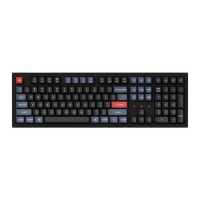
OS SWITCH
1- MAC/iOS
Turn the switch to Mac/iOS when you are connected to a Mac or iOS operating system.
2-WINDOWS/ANDROID
Switch the toggle to Windows/Android when the keyboard is connected to a Windows or Android
operating system.
*When using the Windows/Android mode, keysare used for "Windows" and "Alt" functions.
3-1NPUT METHOD SWITCH
For iOS:
Input method switch: Ctrl + Space
Caps Lock: Caps (Enable General>Keyboards>Hardware Keyboard>Caps Lock Language Switch)
For Android:
Input method switch: Shift + Space
NOTE: Functions of certain multimedia key may be disabled due to compatibility, versions,
brands and drivers of Windows/Android OS. We also recommend not to switch OS frequently
as it may impact keyboard operations.
19



 To Next Page