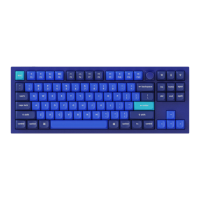
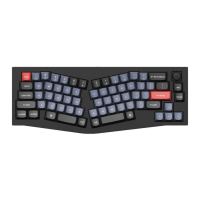
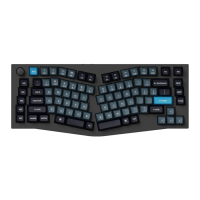
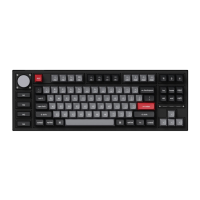
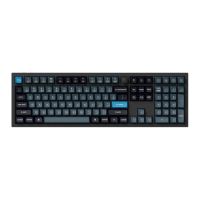
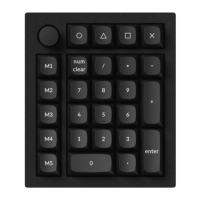
Note: If everything works fine with your keyboard. Please don’t flash the firmware. There is a chance it can
damage your keyboard.
1. Download the Q0 firmware (the file needs to be unzipped) and download the QMK Toolbox. (If the
download link below does not work, use this link: https://github.com/qmk/qmk_toolbox/releases)
Download Q0 Firmware
Download QMK Toolbox for Mac
Download QMK Toolbox for Windows
2. Unplug the power cable from the keyboard.
3. Open the QMK Toolbox.
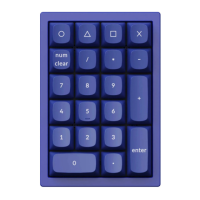
4. Remove the zero (“0”) keycap and you will find the reset button.
5. Press down and hold the reset button.
6. Plug in the power cable. The keyboard will enter into DFU mode. Then, the QMK Toolbox will display in
yellow words “***DFU device connected”.


 To Next Page