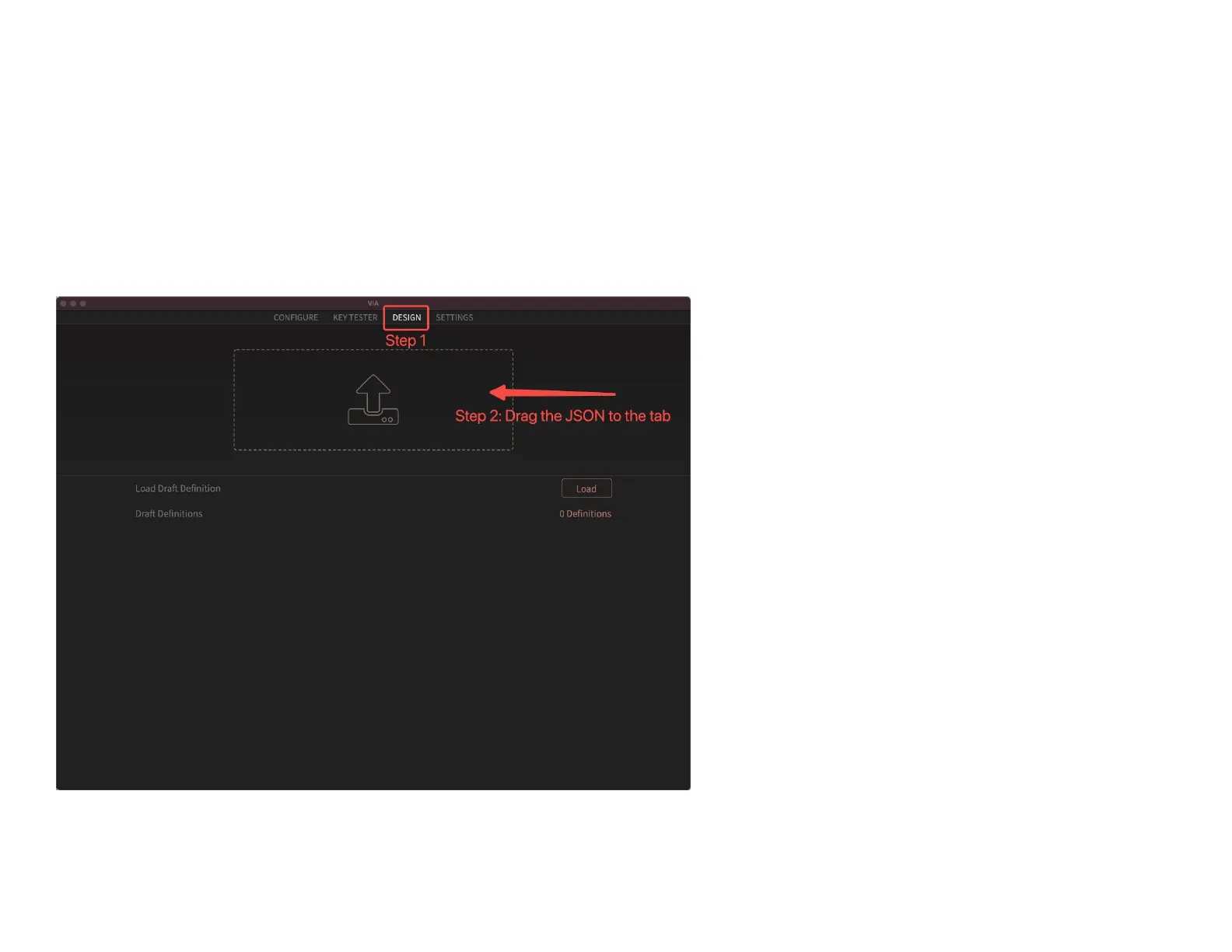
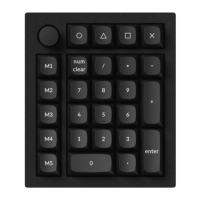
2. If VIA still doesn’t pair together after you reconnect the power cable, download the Keychron Q0 keymap
JSON file.
Download Q0 keymap JSON for VIA
3. Open VIA.
Step 1: Click the “DESIGN” section.
Step 2: Drag the JSON file to the tab and then click the “CONFIGURE” section to customize the keymap.
5. VIA should pair together with the Keychron Q0 now.


 To Next Page