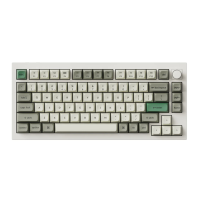
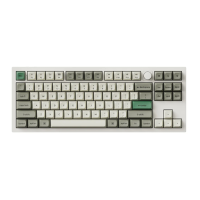
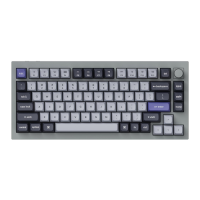
My keyboard isn't working.
For the computer/smartphone:
Go to your device Bluetooth settings>Select the keyboard and remove/delete/unpair it.
Then restart your device.
For the keyboard:
Turn the keyboard off and back on. Then reconnect it to your device.
Bluetooth connection is interrupted even within 10 meters.
Check if the keyboard is resting on a metal surface that can interfere with the Bluetooth signal.
Third-party input tools are not compatible with the keyboard.
Due to compatibility, versions, brands and drivers of Windows/Android OS, functions of
third party input tools may be affected while using the keyboard. Please make sure your operating
system and drivers are up to date.
Certain multimedia keys or function keys do not work.
Functions of certain multimedia keys may be disabled due to compatibility, versions, brands,
and drivers of devices.
*Multimedia keys:
Function keys:
22


 To Next Page