8
(2)Setting parameters
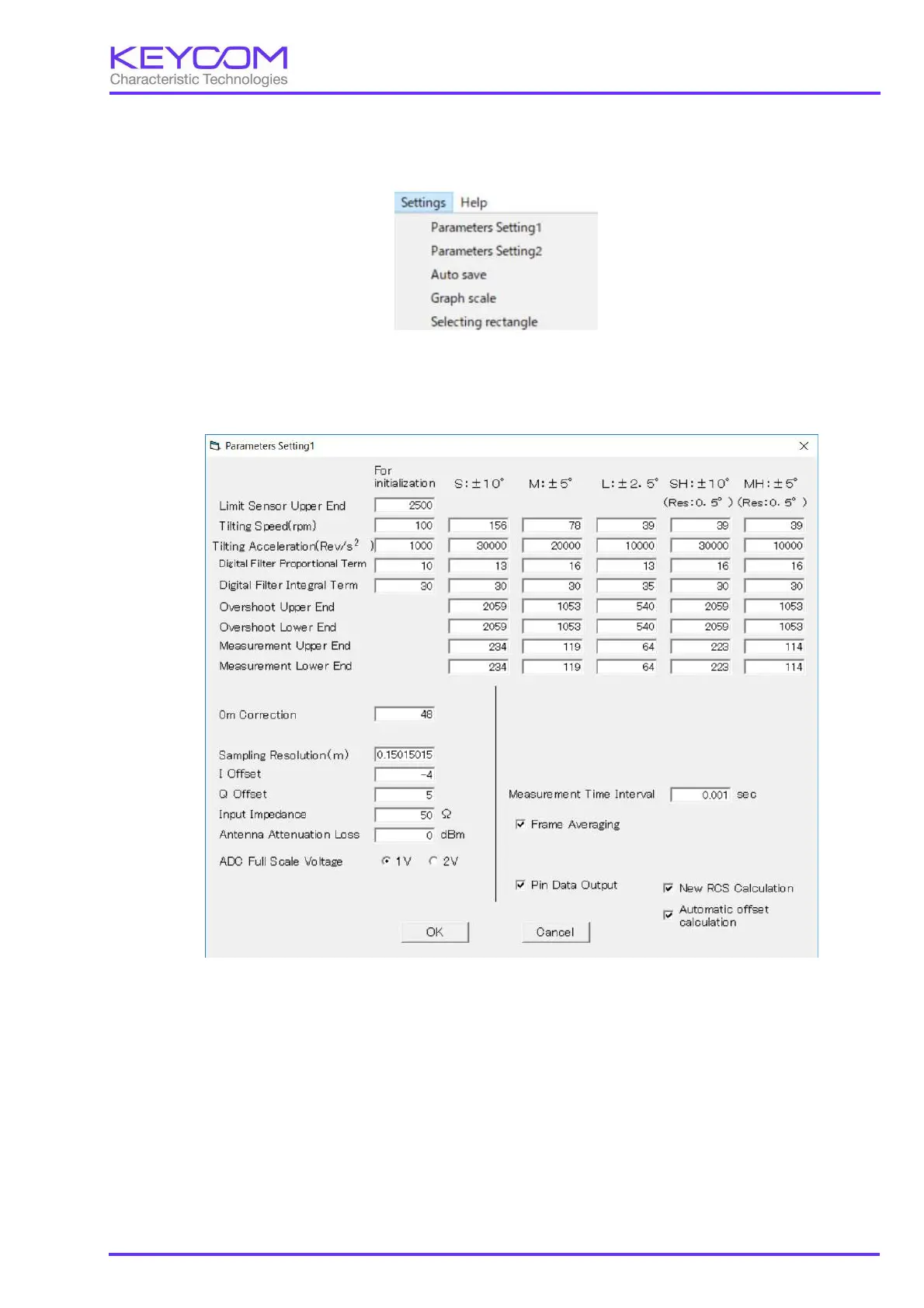
Open the "Settings" menu on the main screen.
"Settings" menu
When "Parameter Setting 1" is selected, the following screen will be displayed.
The items that can be entered on the above screen are parameters related to the operation of the system, so there is
no need to change it.
If the system is operating normally, please do not change the value. To change the setting please enter the password
"keycom123".
A description of each parameter is explained in Appendix 2.



 To Next Page