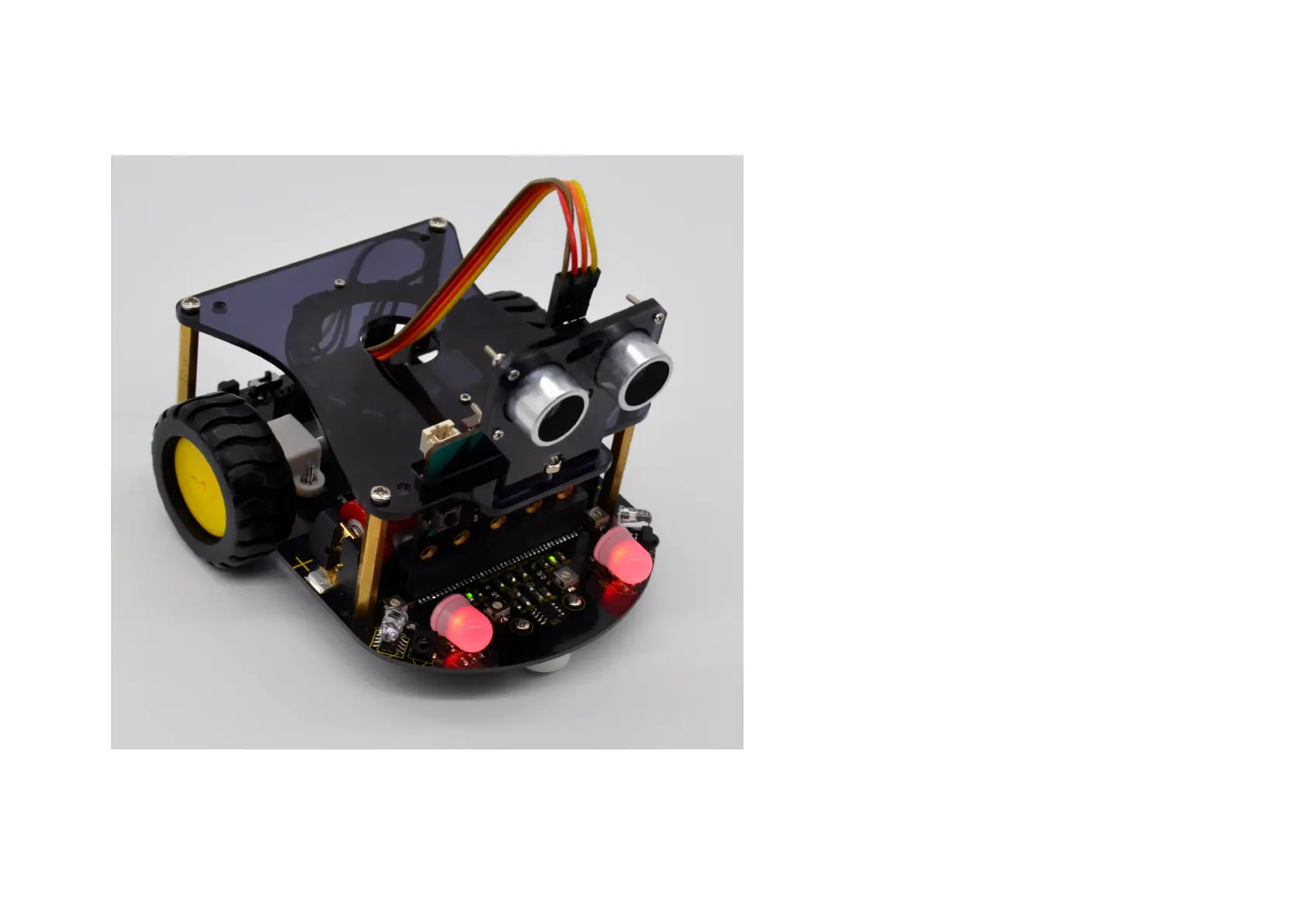
What will you see
Send well the test code 1 to micro:bit main
board, then insert the micro:bit main board
into the micro:bit robot shield. Connect a
18650 battery to the shield, and turn the
POWER switch ON.
The two RGB LEDs on the robot shield flash in
three colors, red, green and blue.
With the same method, upload the test code 2,
the 2 RGB LEDs on the robot shield will
gradually change with different colors.


 To Next Page