What will you see
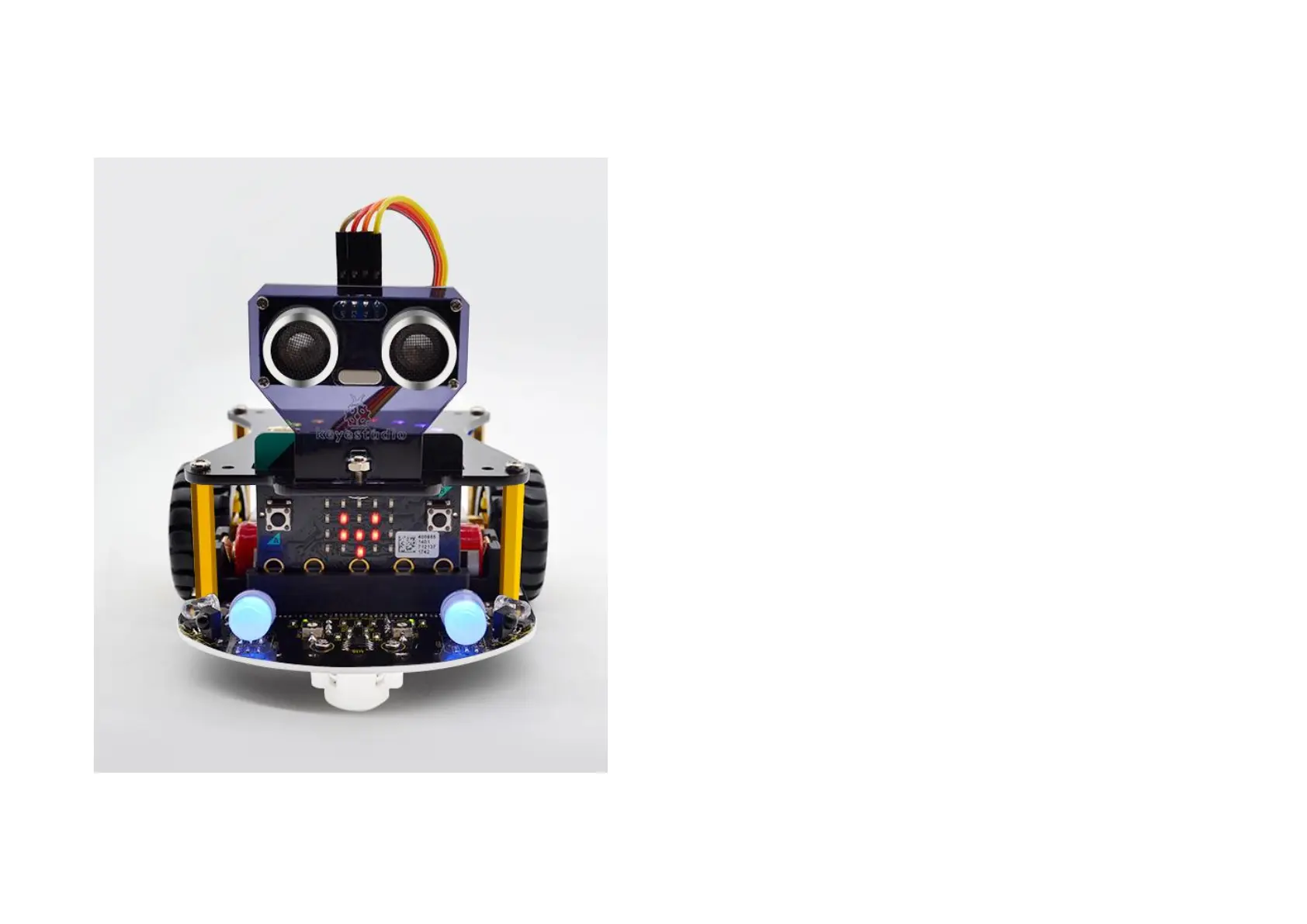
Send the test code to micro:bit main board, then insert the
micro:bit main board into the robot shield; connect a 18650
battery; then turn the POWER switch ON.
When the left tracking sensor detects an obstacle, the
micro:bit LED matrix will showⅠat the left side;
When the right tracking sensor detects an obstacle, the
micro:bit LED matrix will show
Ⅰ
at the right side;
When both tracking sensors detect an obstacle, the
micro:bit LED matrix will show a big heart image;
When both tracking sensors do not detect an obstacle, the
micro:bit LED matrix will show a small heart;


 To Next Page