User Manual
COGE5, COGE5-F
page 77 of 110© KEYMILE December 2015 EN/LZTBU 372 144/3 RA
110
User Interface Reference
8.3.2.2 AP: / unit-x / port-a, Main – SFP
The Main - SFP management function is only available for the SFP based
ports:
• port-1, and
• port-2.
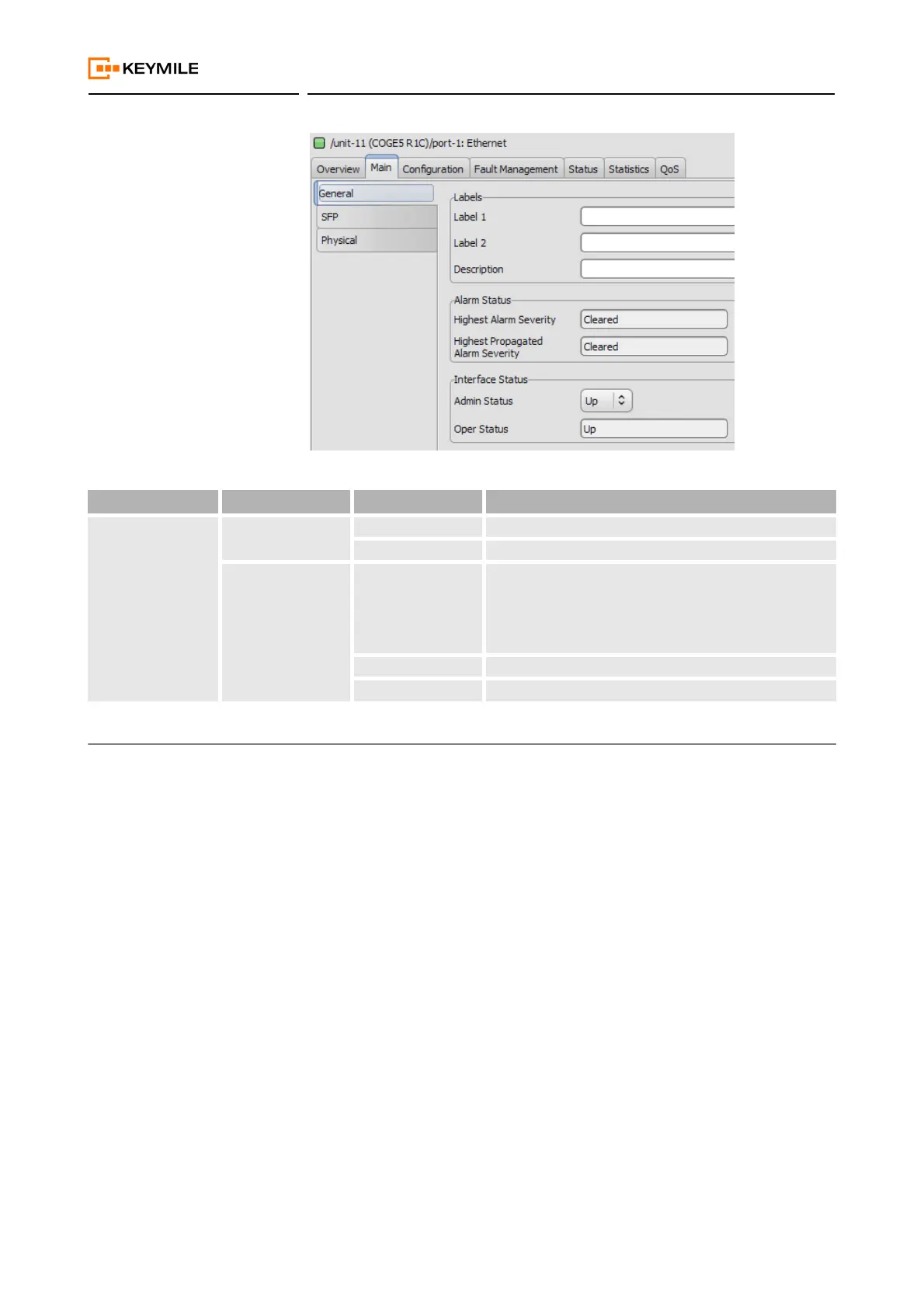
Table 21: AP: / unit-x / port-a, Main – General
Operation Name Parameter Name Range Descriptions / Details
Interface Status Admin Status Up Select “Up” to bring the port into service
Down Select “Down” to take the port out of service.
Oper Status Up Shows the operational state is up. The state can only be
up if the administrative state is up and there are cur-
rently no failures.
If the port is SFP based the type must also be config-
ured.
Down Shows the operational state is down.
Testing Shows the port is in a testing state.


 To Next Page