
 Need help?
Do you have a question about the Keys Fitness PRO TRAINER none and is the answer not in the manual?
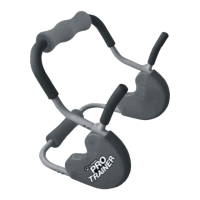
Attach handles to bottom bar, ensuring logos face out and securing with screws.
Insert top bar into handles, ensuring it locks, and attach with screws.
 General
| Brand | Keys Fitness |
|---|---|
| Model | PRO TRAINER none |
| Category | Fitness Equipment |
| Language | English |






 To Next Page