Specications
Rating Input:12V 2A P.D. Adapter
Operating Temp. Range:-20˚C~60˚C
Networking:Wi-Fi 6 and Bluetooth 5.0
FAQ
1. How do I install an operating system when using my Edge2 ARM PC for the rst time?
The rst time you boot up your Edge2 ARM PC, it will automatically enter the OOWOW embedded seice. Follow
the Wizard's instructions to connect to the internet, refresh the list of available OSes, then choose the OS you would
like to install. After downloading and writing the OS to the eMMC, chooise reboot to boot into the new OS.
2. Help! My Edge2 ARM PC fails to boot or is constantly rebooting, what could be the cause?
(1) First of all, check if the power adapter can supply the correct voltage. The acceptable voltage range of the
Edge2 ARM PC is 9 to 20V.
(2)The OS installed on the eMMC may have become corrupted. In this case, hold down the function key and then
turn on the power. This will cause your Edge2 ARM PC to boot into the OOWOW embedded seice. Use OOWOW
to download and re-install the OS.
(3) If you see a red LED light when the Edge2 ARM PC is powered o, this is due to an accidental shutdown. Press
the Power button to turn it back on.
3. Thisismyrstboot, andOOWOWcannotndanyoperatingsystemstoinstall!
PleaseensurethatOOWOWhas internet access via Wi-Fi. Thelistofavailableoperatingsystemsforyour Edge2
ARMPC is downloaded from the seer.
* For more technical assistance, visit docs.khadas.com/edge2
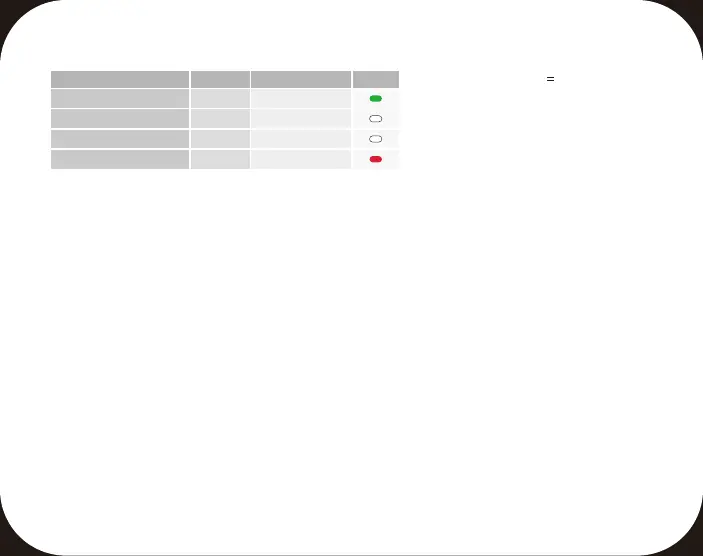
LED Indicator Modes
State
Booting Up Left
Left
Right
Right
[1]
[1]
Normal Operation
Burning Mode
Shut Down
If connected the network in OOWOW, the white led is solid on.
LED
Color
Solid On
Flashes
Flashes 3 Times
Solid On
Action



 To Next Page
 Loading...