Features of your vehicle
1664
RADIO : FM, AM OR SIRIUS
TM
SEEK
Press the key
• Briefly pressing the key (under 0.8
seconds): Automatically searches
for the next station.
• Pressing and holding the key (over
0.8 seconds): While holding the
key, frequency changes without
stopping. When the key is
released, automatically searches
for the next frequency from that
point.
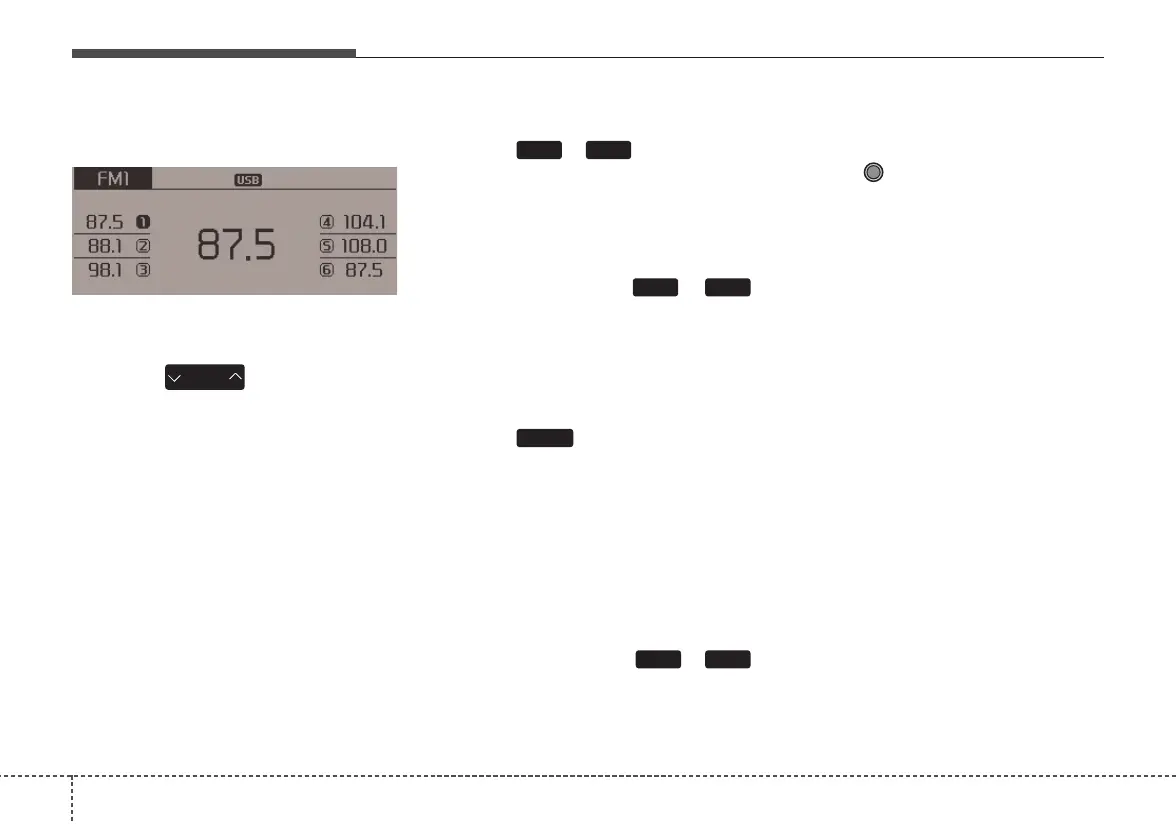
Preset SEEK
Press the ~ key
• Briefly pressing the key (under 0.8
seconds): Plays the frequency
saved in the corresponding key.
• Pressing and holding the key (over
0.8 seconds): Pressing and holding
the desired key from ~
will save the currently playing
broadcast to the selected key and
sound a BEEP.
SCAN
Press the key
• Briefly pressing the key (under 0.8
seconds): The broadcast frequency
increases and previews each
broadcast for 5 seconds each. After
scanning all frequencies, returns
and plays the current broadcast fre-
quency.
• Pressing and holding the key (over
0.8 seconds): Previews the broad-
casts saved in Preset ~
for 5 seconds each.
Selecting through manual
search
Turn the TUNE knob left/right to
adjust the frequency.
• FM : Changes by 200KHz
• AM : Changes by 10KHz
61
SCAN
61
61
SEEK
TRACK















 To Next Page