4193
Features of your vehicle
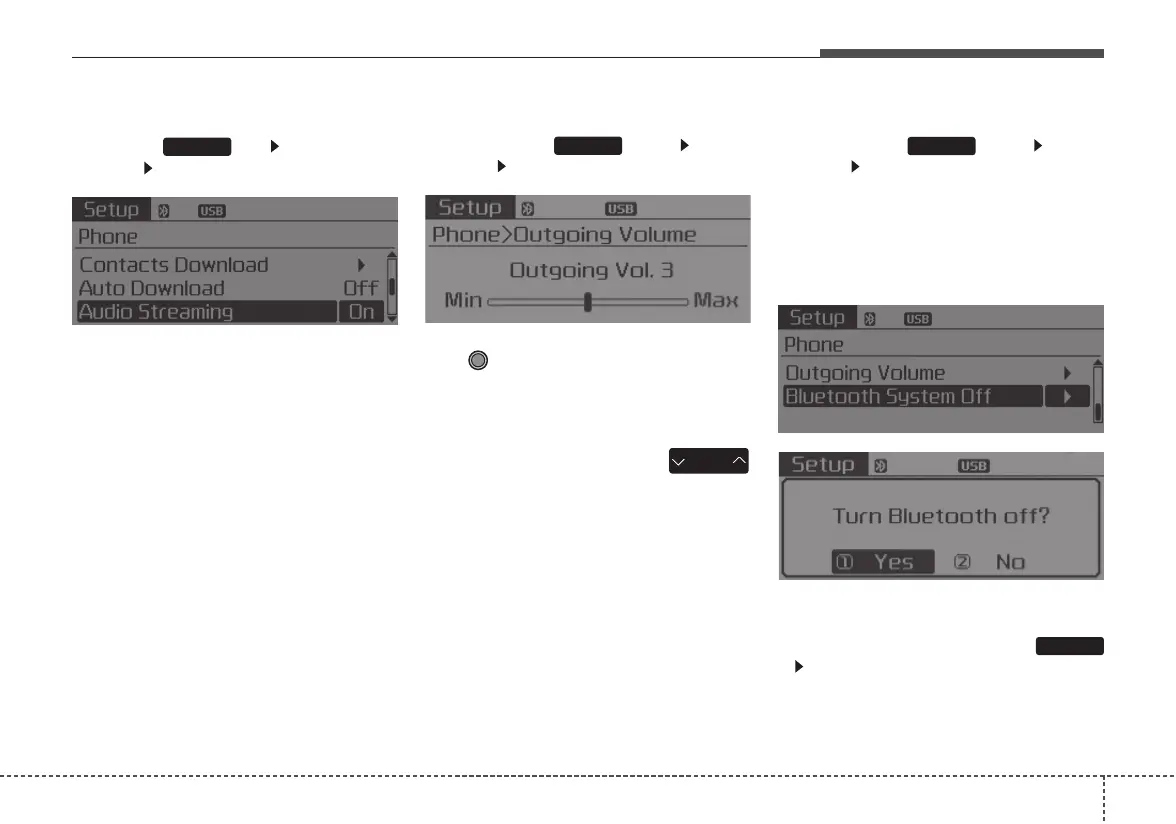
Audio Streaming
Press the key Select
[Phone] Select [Audio Streaming]
When Audio Streaming is turned on,
you can play music files saved in
your
Bluetooth
®
Wireless Technology
device through the audio system.
Outgoing Volume
Press the key Select
[Phone] Select [Outgoing Volume]
Use TUNE knob to adjust the out-
going volume level.
• While on a call, the volume can be
changed by using the
key.
Turning Bluetooth System Off
Press the key Select
[Phone] Select [Bluetooth System
Off]
Once
Bluetooth
®
Wireless Technology
is turned off,
Bluetooth
®
Wireless
Technology related features will not be
supported within the audio system.
• To turn
Bluetooth
®
Wireless
Technology back on, go to
[Phone] and select “Yes”.
SETUP
SETUP
SEEK
TRACK
SETUP
SETUP















 To Next Page