Audio system
533
3. From your
Bluetooth
®
Wireless
Technology device (i.e. Mobile
Phone), search and select your
car audio system.
❈ SSP : Secure Simple Pairing
Non SSP supported device :
4. After a few moments, a screen is
displayed where the passkey is
entered. Enter the passkey “0000”
to pair your
Bluetooth
®
Wireless
Technology device with the car
audio system.
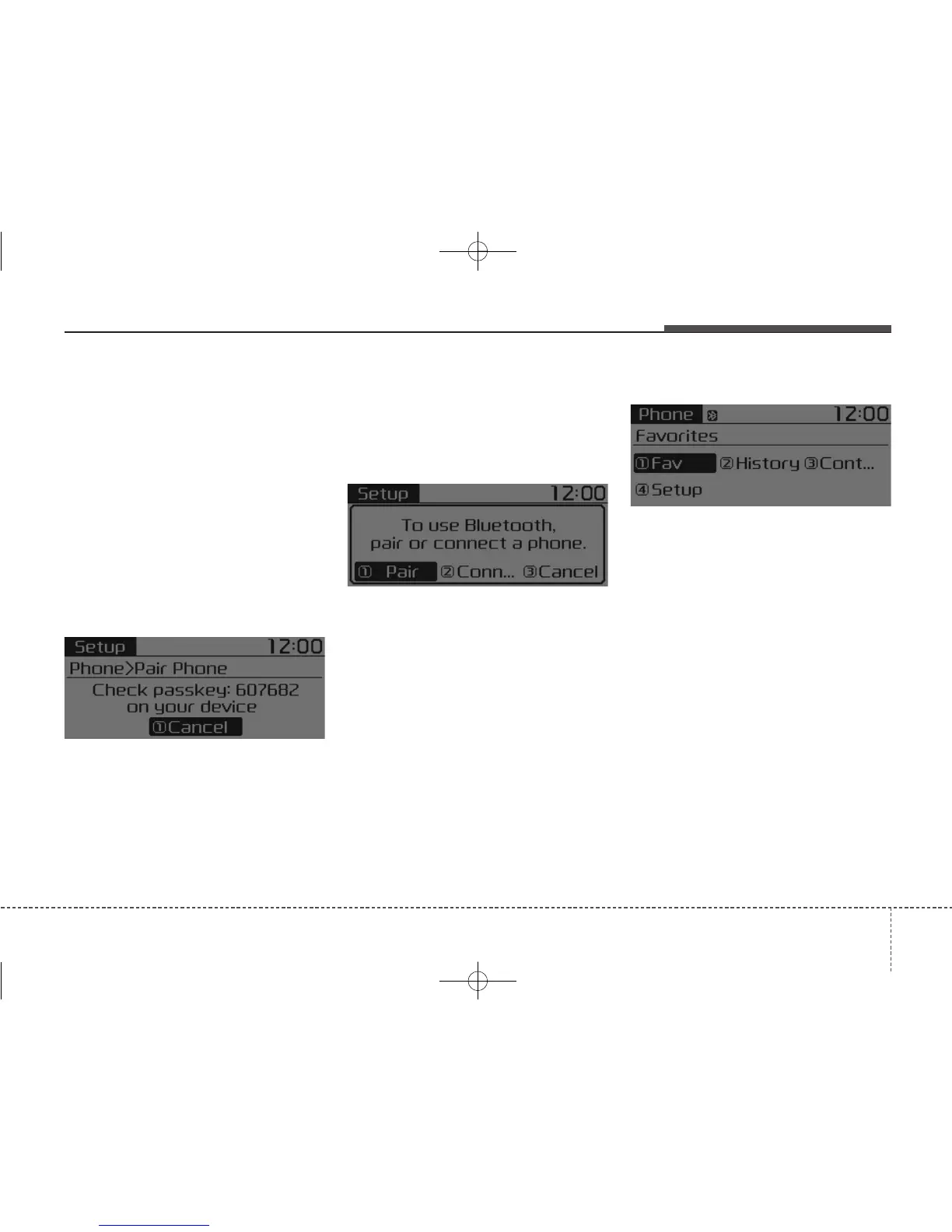
SSP supported device :
4. After a few moments, a screen is
displayed that has the 6 digit
passkey from any nearby SSP
device that is found. Check the
passkey on your
Bluetooth
®
Wireless Technology.
Some phones (i.e., iPhone
®
, Android
TM
and Blackberry
®
phones) may offer
an option to allow acceptance of all
future Bluetooth
®
connection requests
by default.
• If
Bluetooth
®
Wireless Technology
devices are paired but none are
currently connected, pressing the
[CALL] button on the steering
wheel control displays the following
screen. Select [Pair] button to pair
a new device or select [Connect] to
connect a previously paired device.
MENU : Phone
With a
Bluetooth
®
Wireless
Technology device connected, press
the [PHONE] button to display the
Phone menu screen.
Favorite : [1] Button
Up to 20 frequently used contacts
can be saved for easy access.
Call History : [2] Button
Displays the call history list screen.
If you select the [Call History] button
but there is no call history data, a
prompt is displayed which asks to
download call history data.



 To Next Page