Audio system
485
With the Clock Button
Press the [SETUP/CLOCK] button
Select [Clock]
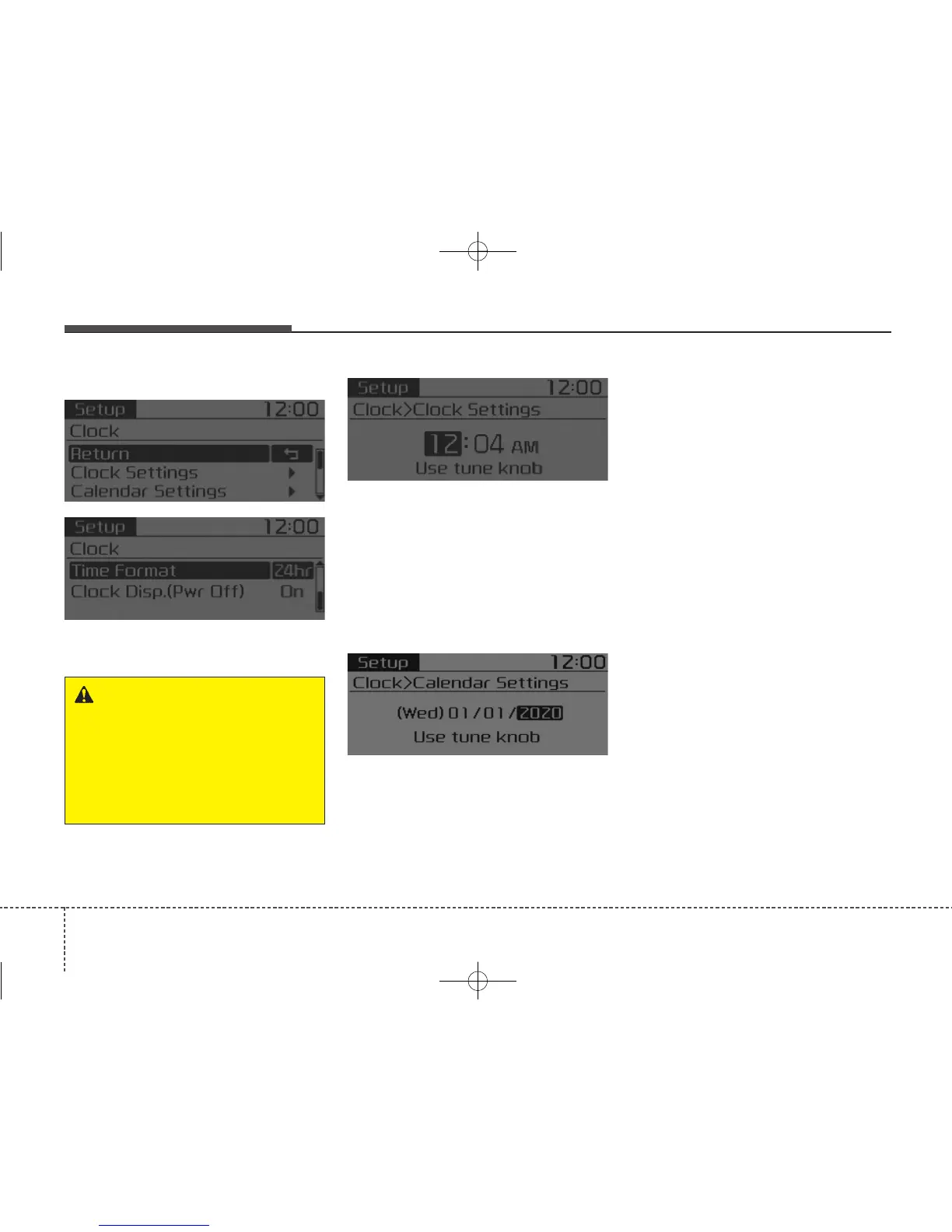
Clock Settings
This menu is used to set the time.
Select [Clock Settings]
Adjust the number currently in focus
to set the [hour] and press the TUNE
knob to set the [minute] and
[AM/PM].
Calendar Settings
This menu is used to set the date.
Select [Calendar Settings]
Adjust the number currently in focus
to make the settings and press the
TUNE knob to move to the next set-
ting.
Time Format
This function is used to set the 12/24
hour time format of the audio system.
Select [Time Format]
Set 12hr /
24hr.
Clock Display when Power is OFF
Select [Clock Disp.(Pwr Off)]
Set
[On/Off]
• [On] : Displays time/date on screen
• [Off] : Turn off.
WARNING - Clock Setting
Distraction
Adjusting the clock setting
while driving can result in a loss
of vehicle control that may lead
to an accident, severe personal
injury, and death.



 To Next Page