Audio system
593
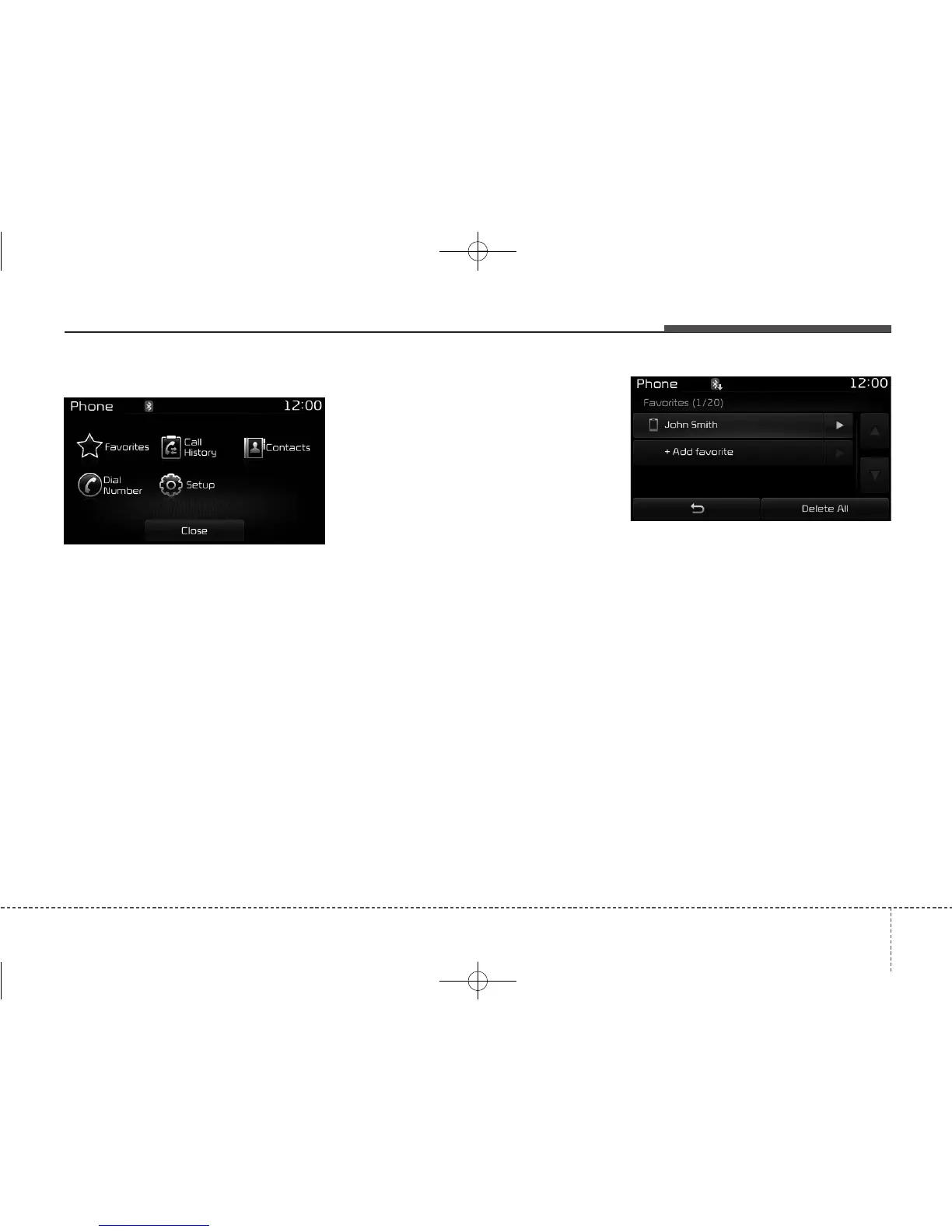
Phone Menu Screen
Phone Menus
With a
Bluetooth
®
Wireless Technology
device connected, press the
[PHONE] button to display the
Phone menu screen.
• Favorites : Up to 20 frequently
used contacts can be saved for
easy access
• Call History : Displays the call his-
tory list screen
• Contacts : Displays the Contacts
list screen
• Dial Number : Displays the dial
screen where numbers can be
dialed to make calls
• Setup :Displays Phone related set-
tings.
✽✽
NOTICE
• If you press the [Call History] button
but there is no call history data, a
prompt is displayed which asks to
download call history data.
• If you press the [Contacts] button
but there is no contact data stored, a
prompt is displayed which asks to
download contacts data.
• This feature may not be supported in
some mobile phones. For more infor-
mation on download support, refer
to your mobile phone user’s manual.
Favorites
• Saved favorite contact : Connects
call upon selection
• To add favorite : Downloaded con-
tacts be saved as favorite.
• Delete All : Deletes all stored
favorite contacts
✽✽
NOTICE
• To save Favorite, contacts should
be downloaded.
• Contact saved in Favorites will not
be automatically updated if the
contact has been updated in the
phone. To update Favorites, delete
the Favorite and create a new
Favorite.



 To Next Page