Audio system
965
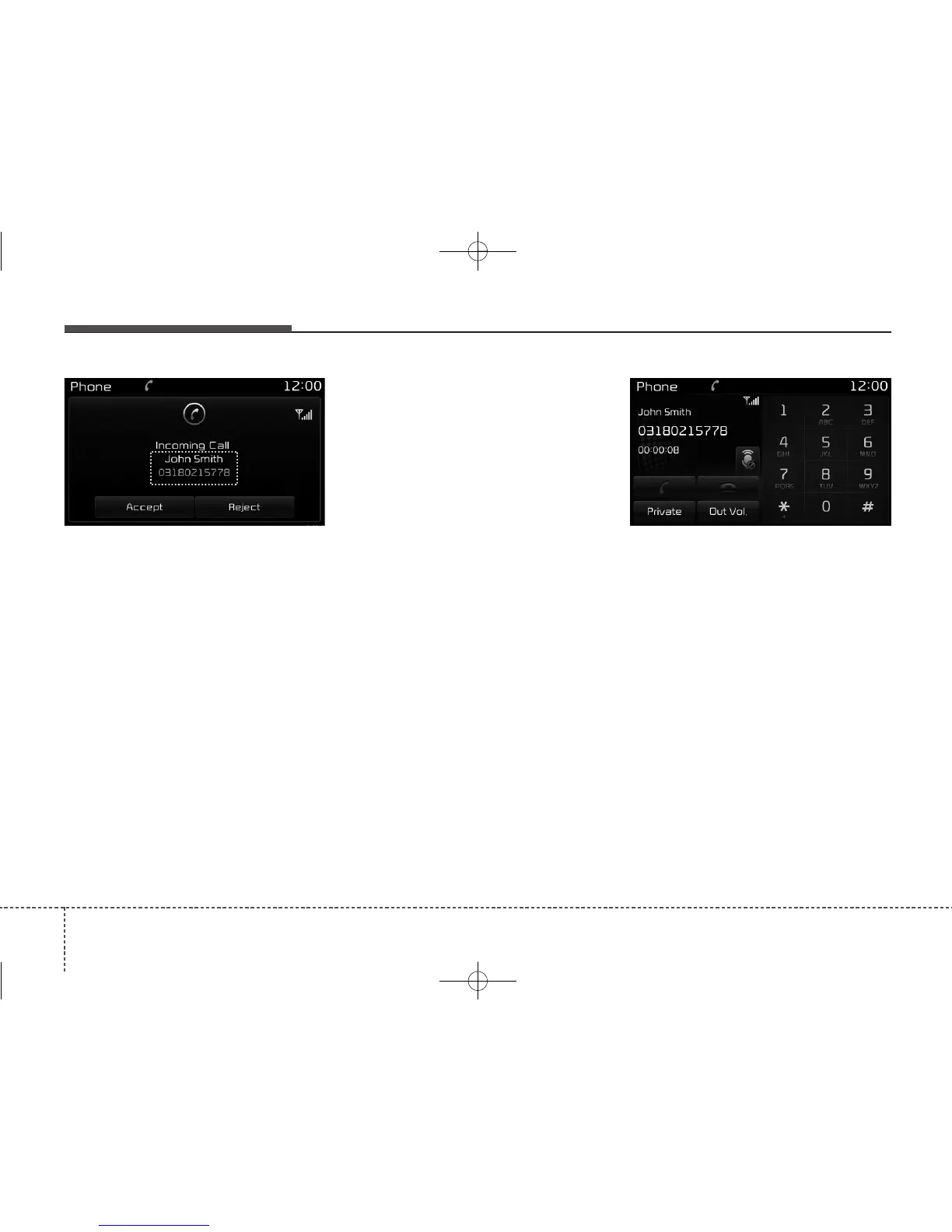
Answering a Call
Answering a call with a
Bluetooth
®
Wireless Technology device connect-
ed will display the following screen.
• Caller : Displays the other party’s
name when the incoming caller is
saved within your contacts
• Incoming Number : Displays the
incoming number
• Accept : Accepts the incoming call
• Reject : Rejects the incoming call
✽✽
NOTICE
• When an incoming call pop-up is dis-
played, most Audio and SETUP
mode features are disabled. Only the
call volume will operate.
•The telephone number may not be
properly displayed in some mobile
phones.
During a Handsfree Call
• Caller : Displays the other party’s
name if the incoming caller is
saved within your contacts
• Incoming Number : Displays the
incoming number
• Call time : Displays the call time
• End : Ends call
• Private : Converts to Private mode
• Out Vol. : Sets call volume as heard
by the other party
• Mute : Turns Mic Mute On/Off
✽✽
NOTICE
If the mic is muted, the other party
will not be able to hear your voice.



 To Next Page