Audio system
985
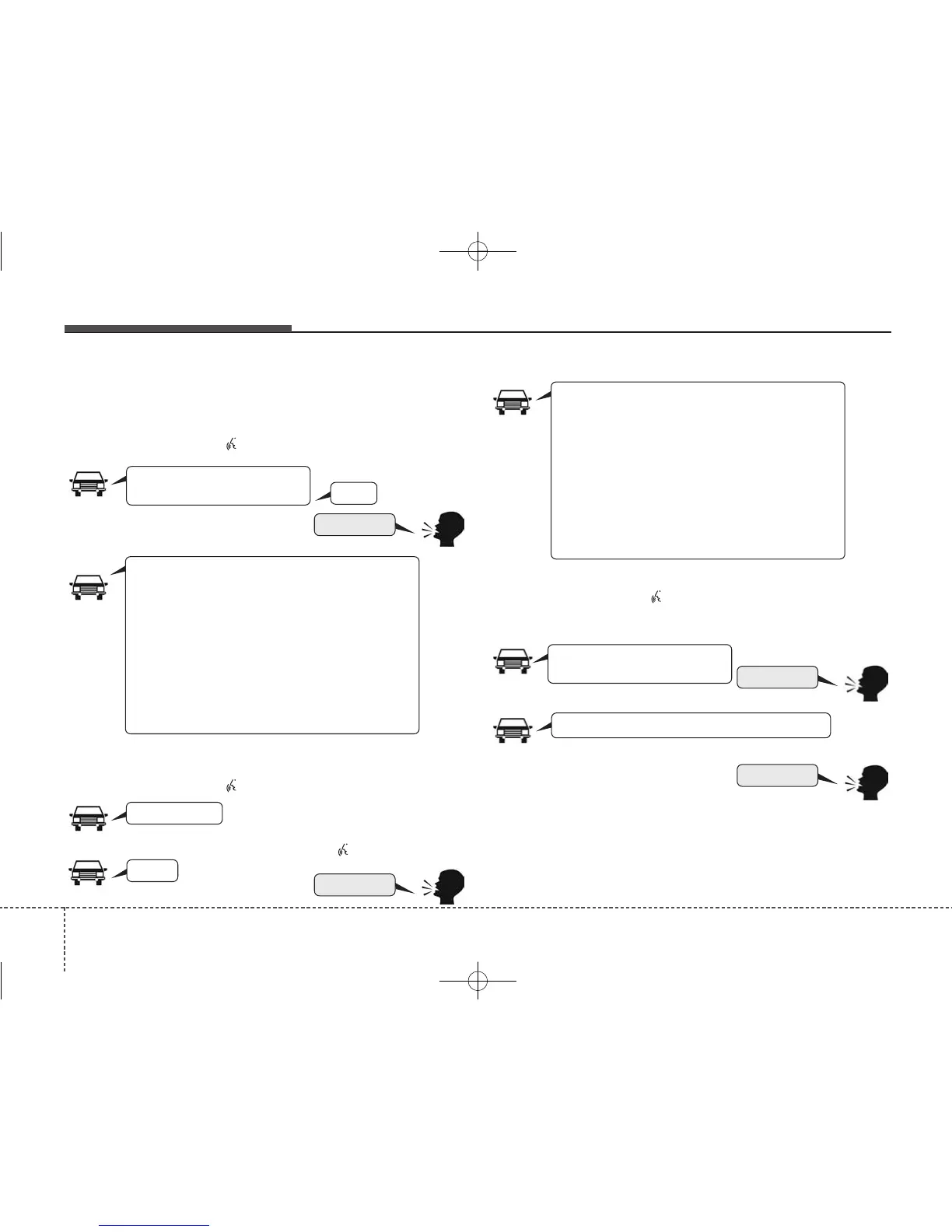
Illustration on Using Voice Recognition
Starting Voice Recognition
Shortly pressing the button :
Skipping Voice Recognition
Shortly pressing the button :
Shortly pressing the button :
Ending Voice Recognition
Shortly pressing the button :
while guidance message is being stated
More Help
Contacts
Cancel
More Help
Please say a command after
the beep (BEEP)
Please say a...
Please say the contact name you want to call.
Beep~
More Help
Here are some examples of mode commands.
You can say a radio type like ‘FM’, ‘AM’, or ‘Satellite’.
You can also say a media source like ‘USB’, ‘My
Music’, or ‘iPod
®
’.
Additionally, there are phone commands like
‘Contacts’, ‘Call History’, or ‘Dial Number’.
You can find more detailed commands in the user's
manual.
Please say a command after the beep.
More Help
Here are some examples of mode commands.
You can say a radio type like ‘FM’, ‘AM’, or ‘Satellite’.
You can also say a media source like ‘USB’, ‘My
Music’, or ‘iPod
®
’.
Additionally, there are phone commands like
‘Contacts’, ‘Call History’, or ‘Dial Number’.
You can find more detailed commands in the user's
manual.
Please say a command after the beep.
Please say a command after
the beep (BEEP)
(BEEP)



 To Next Page