Audio system
1065
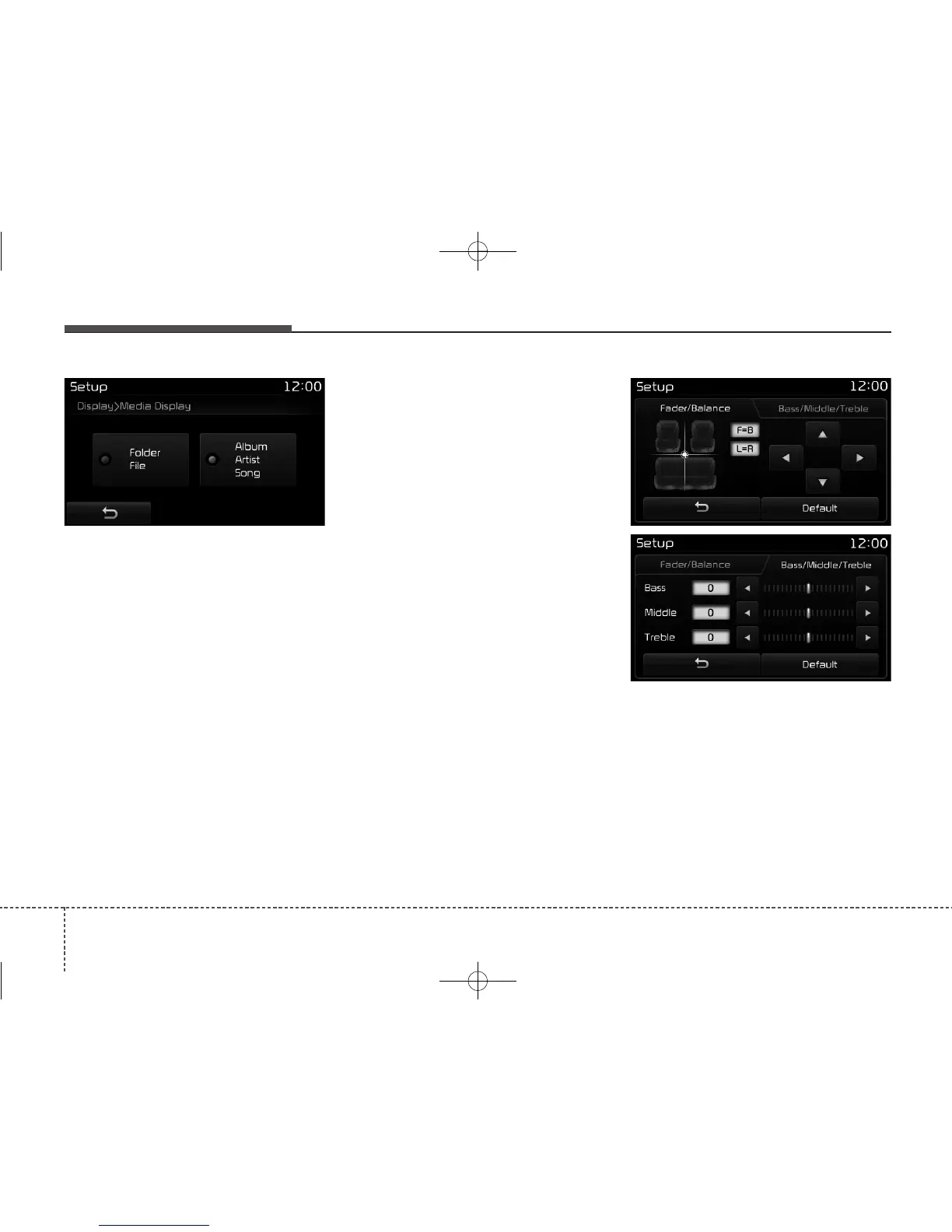
Media Display
This feature is used to change the
information displayed within USB
and MP3 CD modes.
• Folder File : Displays file name and
folder name.
• Album Artist Song : Displays album
name/artist name/song name.
With the Sound Button
Press the [SETUP] button Select
[Sound]
You can select and control options
related to [Sound Settings], [Speed
Dependent Vol.], [Voice Recognition
Vol.] and [Touch Screen Beep].
Sound Settings
Use the [Up/Down/Left/Right] but-
tons to adjust the Fader/Balance set-
tings.
Use the [Left/Right] buttons to adjust
the Bass/Middle/Treble settings.
Press the [Default] button to reset.



 To Next Page