Driving your vehicle
706
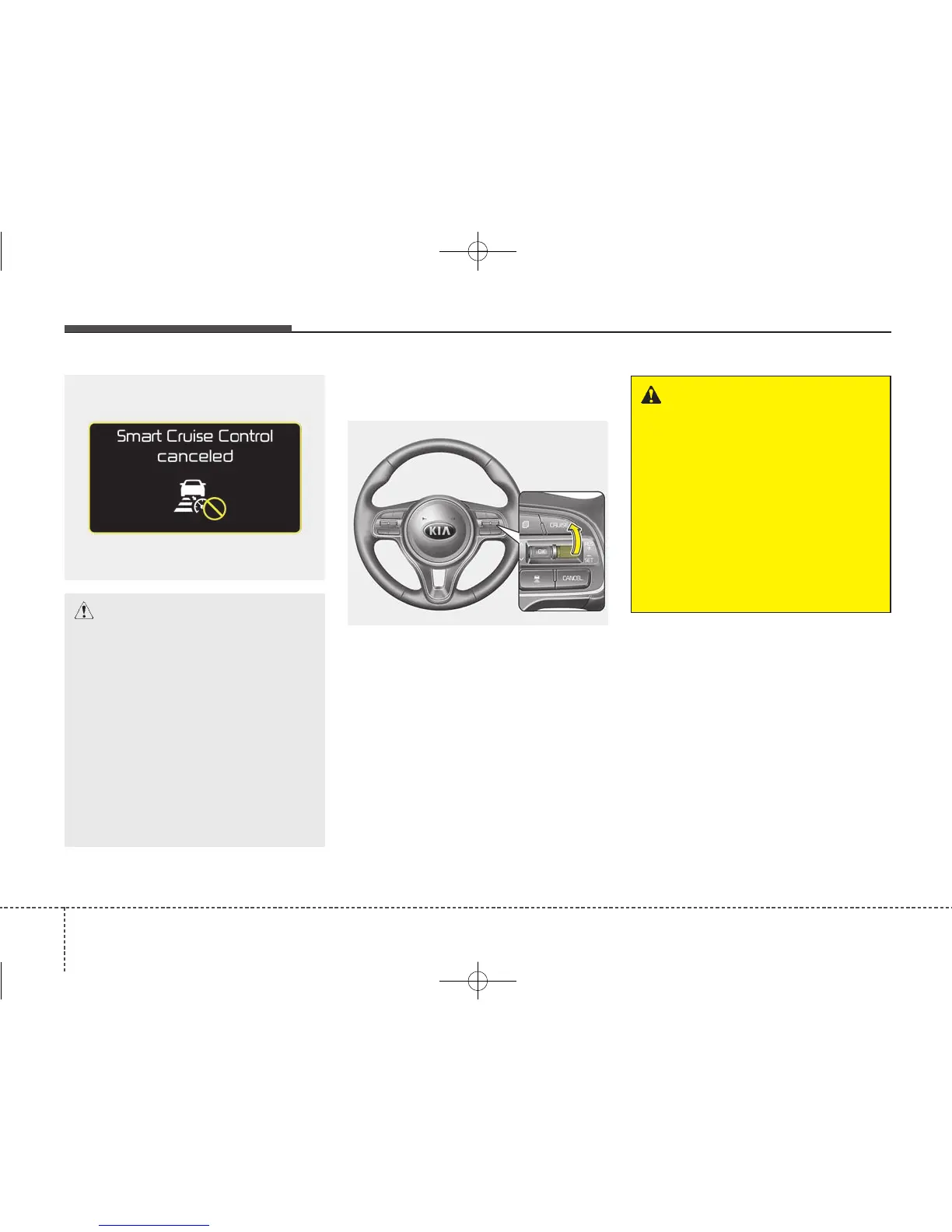
To resume cruise control set
speed:
If any method other than the
CRUISE button was used to cancel
cruising speed and the system is still
activated, the cruising speed will
automatically resume when you
move the lever up/down (to RES+ or
SET-).
If you move the lever up (to RES+),
the speed will resume to the recently
set speed. It will not resume if the
vehicle speed has dropped below
approximately 30 km/h (20 mph).
OJF055235L
WARNING - Following
Distance
• To avoid collisions, always be
aware of the selected speed
and vehicle to vehicle dis-
tance settings when activat-
ing your smart cruise control
system.
• Always maintain sufficient
braking distance and deceler-
ate your vehicle by applying
the brakes if necessary.
OJF055044
CAUTION
If the system is automatically
cancelled, the warning chime
will sound and a message will
appear for a few seconds.
You must adjust the vehicle
speed by depressing the accel-
erator or brake pedal according
to the road condition ahead and
driving condition.
Always check the road condi-
tions. Do not rely on the warn-
ing chime.



 To Next Page