SATELLITE RADIO RECEPTION*
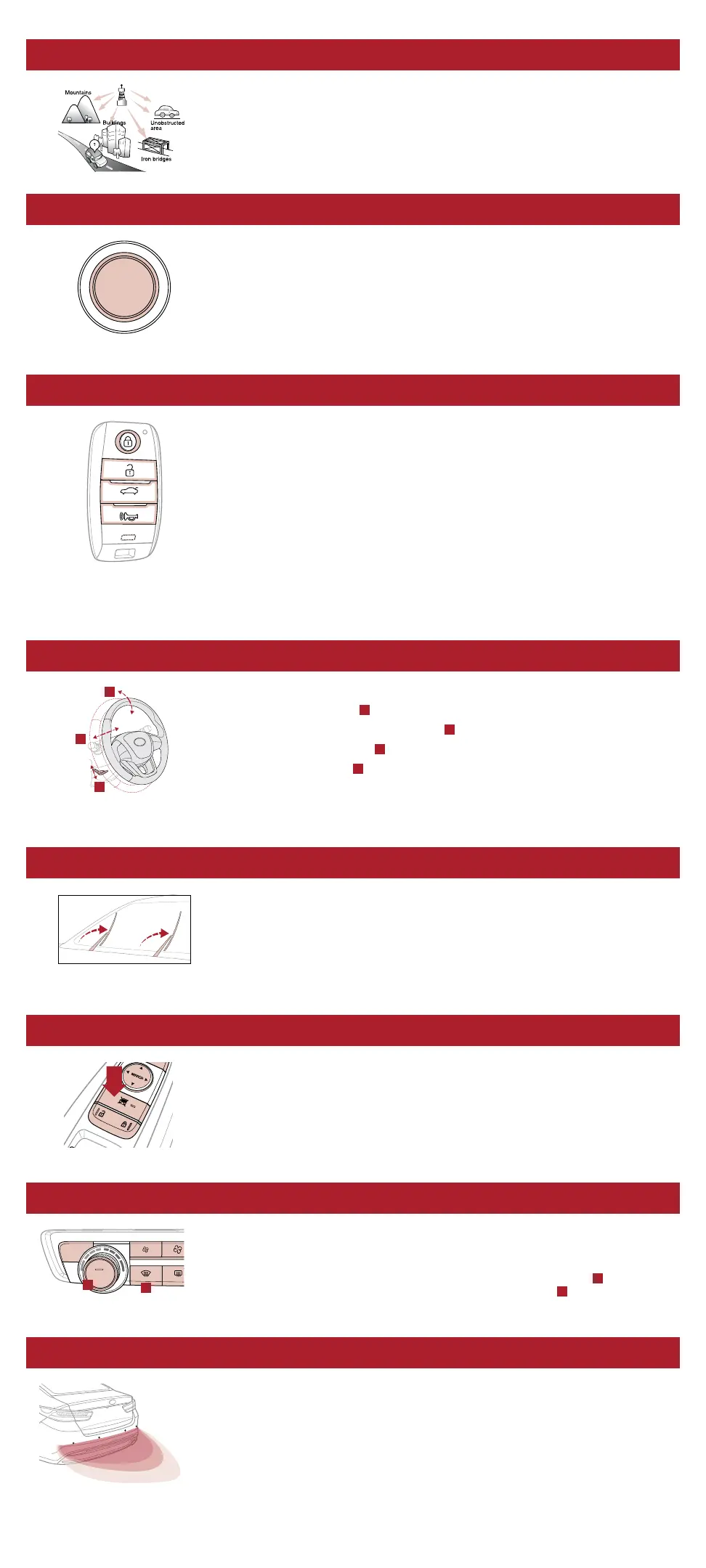
Satellite radio reception requires a direct line of sight with the satellite transmitting the
radio signal. Tunnels, bridges, covered parking, mountainous terrain, tall buildings, heavy
foliage, and other obstacles may momentarily interrupt the signal. This is normal operation,
and reception will be restored within a few seconds in an open, unobstructed area.
The signal can become weak in some areas that are not covered by the satellite repeater network.
ACCESSORY MODE
With standard key vehicles, you can turn the key to the accessory mode and utilize the
electronic accessories without starting the vehicle. This is still possible with Smart Key-
equipped vehicles. To do this, enter the vehicle with the Smart Key and push the ENGINE
START/STOP button one time without depressing the brake pedal. This will put the vehicle
in Accessory mode and ACC will illuminate in yellow.
If the ENGINE START/STOP button is in the ACC position for more than 1 hour, the button
is turned off automatically to help prevent battery discharge.
TRUNK OPERATION*
For vehicles equipped with a Smart Key and Smart Trunk, when the Smart Key fob is in
your possession and you are within close proximity to the back of the vehicle, the hazard
warning lights will blink and a chime will sound for about 3 seconds to alert you that the
Smart Trunk* is about to open.
Then the alert system will blink and chime two additional times before opening the Smart Trunk.*
The Smart Trunk feature is OFF by default. To enable the Smart Trunk, go to User
Settings in the LCD Instrument Cluster modes.
If you unlocked your vehicle or opened the trunk by pressing the unlock button on your
Smart Key (even though it is not necessary to do so), be sure to press the lock button on
the Smart Key before walking away to ensure your entire vehicle is locked again.
The Smart Trunk function can be deactivated by pressing any button of the Smart Key
during the Detect and Alert stage.
TILT / TELESCOPING STEERING WHEEL
5
To adjust the Steering Wheel:
Push the Lock-Release Lever
A
down.
Adjust the Steering Wheel to desired distance
B
.
Adjust the Steering Wheel angle
C
.
Pull the Lock-Release Lever
A
up to lock the Steering Wheel in place.
It may be helpful to pull/push the bottom of the Steering Wheel toward/away from you
to adjust desired distance prior to adjusting the angle.
RAISING THE WINDSHIELD WIPER ARMS
To lift the wipers in order to clean the windshield, replace wiper blades, or to raise wipers
in snow/ice conditions, the blades need to be moved to the service position. To move
wiper blades to this position:
After turning off the engine, move the wiper switch to the single wiping (MIST) position
within 20 seconds and hold the switch more than 2 seconds until the wiper blades are in
the fully up position.
POWER WINDOW LOCK BUTTON
The driver can disable the power window switches on the rear passengers’ doors by
pressing the power window lock switch to the lock position (pressed).
When the power window lock switch is pressed:
• The driver’s master control can operate all the power windows.
• The front passenger’s control can operate the front passenger’s power window.
• The rear passenger’s control cannot operate the rear passenger’s power window.
WINDSHIELD DEFOGGING
Windshield fogging is caused by moisture in the air condensing on the cold glass. The
following practices can help reduce window fogging:
• Keeping the inside of the glass as clean as possible.
• Utilizing the Defrost Mode activates the A/C and opens Fresh Air Vent
A
.
• Adjusting the Temperature Control to the desired temperature
B
.
PARKING DISTANCE WARNING–REVERSE
6
Parking Distance Warning–Reverse is a supplemental system that assists the driver
by chiming if any object is detected within the sensing area to the rear and side of the
vehicle when backing up.
When the ignition is ON, the system is activated.
If the vehicle is moving at speeds over 3 mph, the system may not activate correctly.
When more than two objects are sensed at the same time, the closest one will be
recognized first.
Parking Distance Warning–Reverse is not a substitute for safe driving, and may not
detect every object behind vehicle. Always drive safely and use caution.
ENGINE
START
STOP
HOLD
B
C
A
FRONT REAR
OFF
AUTO
A
B


 To Next Page
 Loading...











