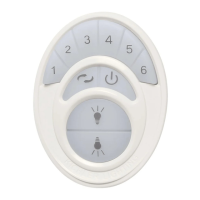
4、Start key 4:Pressure the key,DC-18 start at the fourth gear;
5、Start key 5:Pressure the key,DC-18 start at the fifth gear;
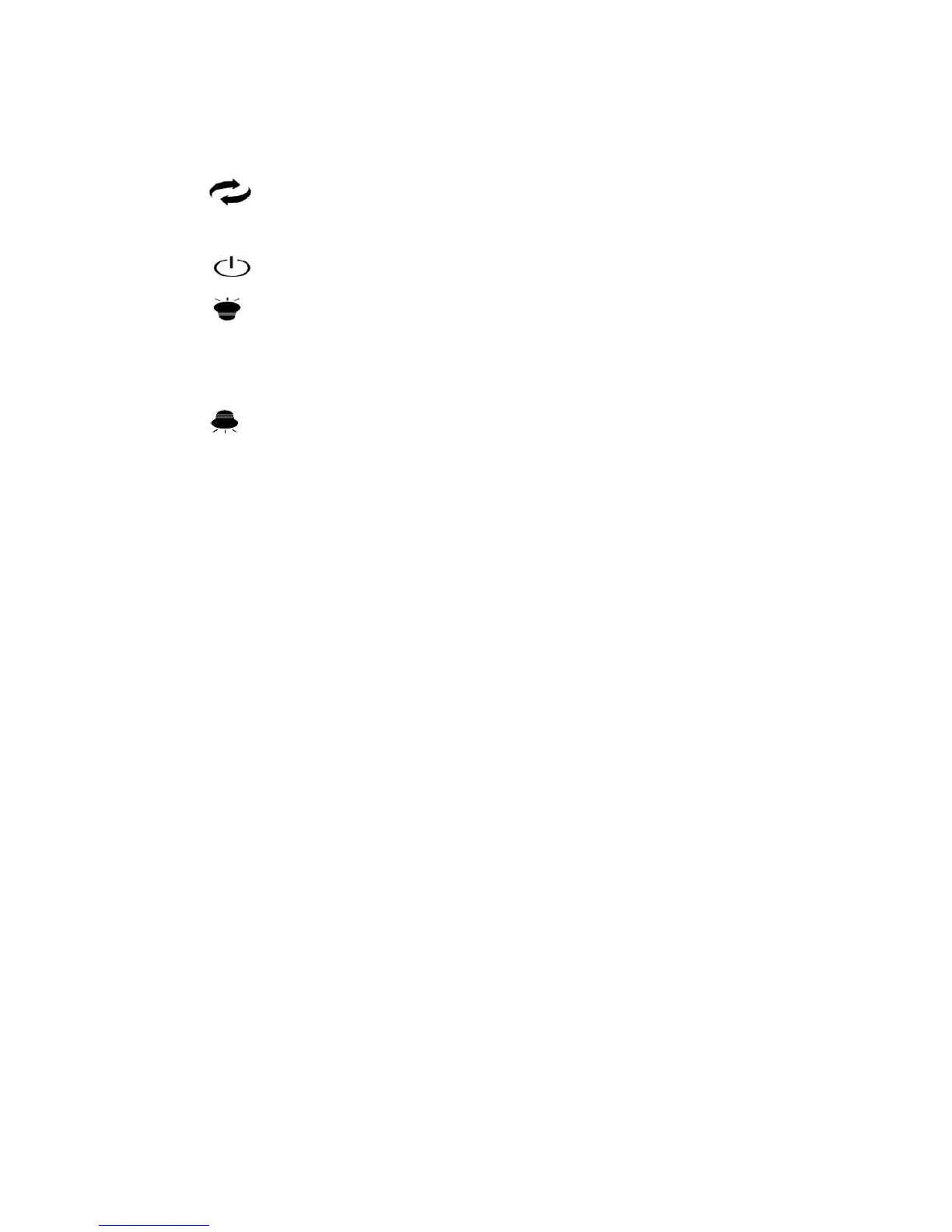
6、“ ”Forward/ reverse control key:Pressure the key,the fan can switch at
Forward or Reverse rotatiom;
7、“ ” Power off: Pressure the key,the fan stop;
8、“ ” Up lamp :Power off /on: Pressure the key,the Up lamp power on at the
first time ,then pressure it again,the UP lamp power off.and the rest may be deduced
by analogy;
9、“ ” Down lamp :Power off /on: Pressure the key,the Down lamp power on at
the first time ,then pressure it again,the Down lamp power off.and the rest may be
deduced by analogy;
Remark: changes or modifications not expressly approved by the party responsible for
compliance could void the user’s authority to operate the equipment.
All other devices shall bear the following statement in a conspicuous location
on the device:This device complies with Part 15 of the FCC Rules. Operation
issubject to the following two conditions: (1) this device may not cause harmful
interference, and (2) this device must accept any interference received, including
interference that may cause undesired operation。


 To Next Page
 Loading...