18English
5. Release the KEY button. LED 1 will illuminate; LED
2-4 will turn off. You are now in the KEYLOC’s Gain
match mode.
6. Play the GainMatch track.
7. Slowly turn the INPUT gain knob clockwise until
either LED 3 or 4 turn on. Once they do, slowly turn
back the knob counterclockwise until both LED
3 and 4 turn off. Closely watch both LEDs for 10
seconds - they often will illuminate again, and this
means you must turn the knob counterclockwise an
additional amount until both LEDs remain off for a full
10 seconds. If both LEDs remain on at all times or
remain off at all times regardless of the gain setting,
check the position of the HI/LO button is set to the
proper setting given the source unit’s output voltage.
If they remain off regardless of the position of the HI/
LO button, check your connections.
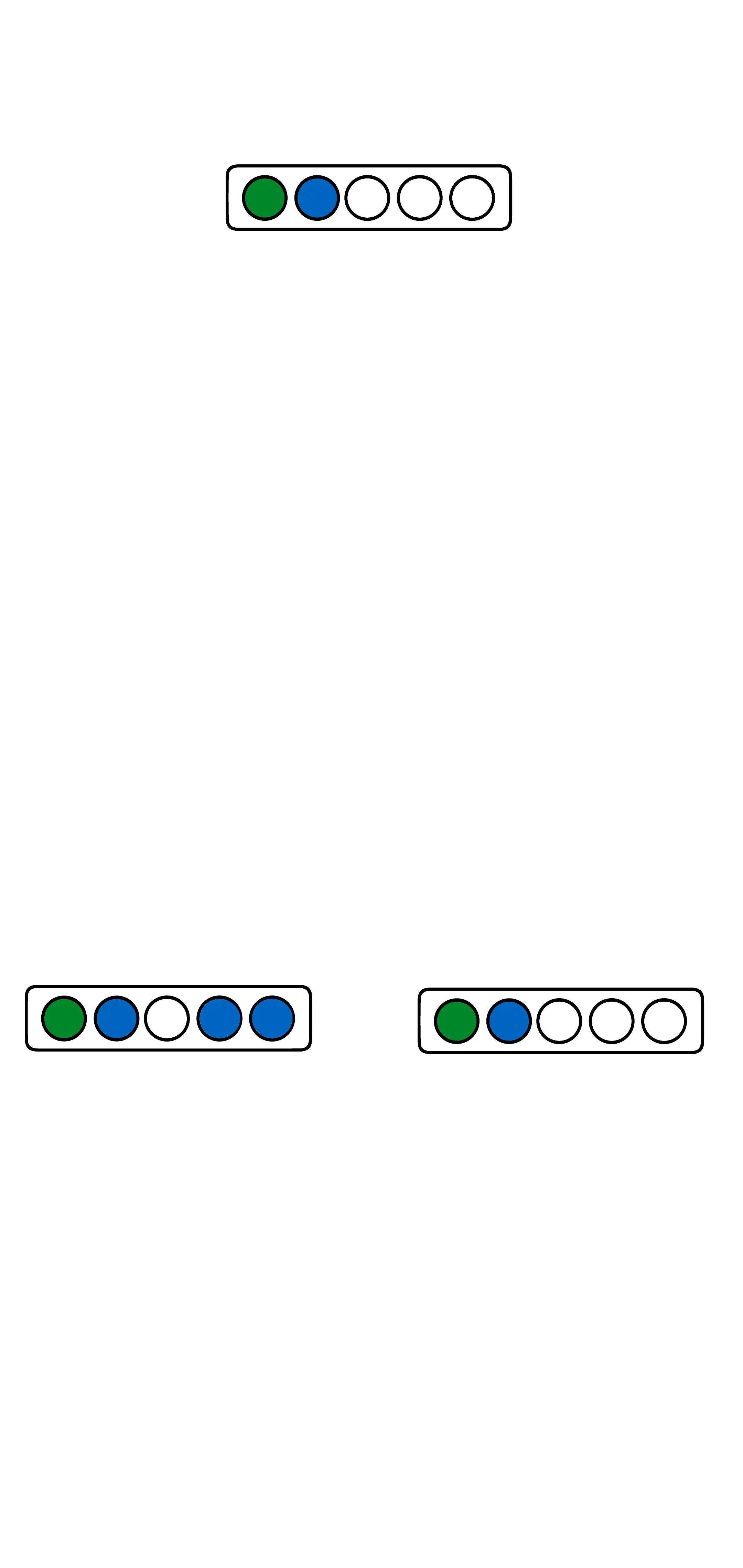
LEDs 3 and/or 4 on LEDs 3 and 4 off
Once both LEDs 3 and 4 stop blinking you have
properly set the INPUT sensitivity.
8. Stop track: GainMatch, then play track: Noisefloor
9. Press the KEY Button. LED 1 will begin to blink.
When the Noise floor is detected, LED1 will stop
blinking and LED2 will start blinking.



 To Next Page