4
CONNECTING YOUR MOBILE DEVICE
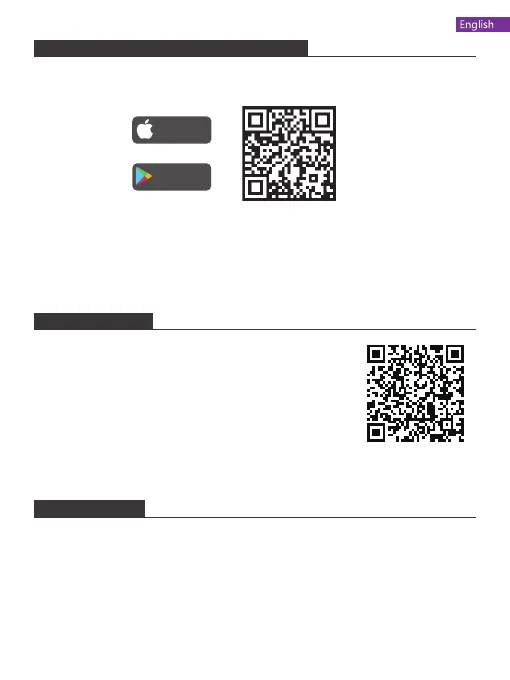
1. Download the "WiFi_CAM" app on your mobile device from the App Store/
Google Play or by scanning the QR code below.
2. Power on the drone and the LED lights will flash. Go to Wifi settings on your
mobile device and connect to the network (KIDOMO___xxxxxx).
Download on the
App Store
GET IT ON
Google Play
For any inquiries about KIDOMO products, please feel free to contact us. We will
respond within 24 hours.
Email: support@kidomo.net
Tel: 301-670-7335 (US) Mon-Fri 9am-5pm (EST)
Official website: www.kidomo.net
CONTACT US
USER MANUAL
Scan the QR code or visit the following website to
download the detailed user manual.
https://www.kidomo.net/manual/kidomoF02.pdf


 To Next Page