18
Introduction
Daily use
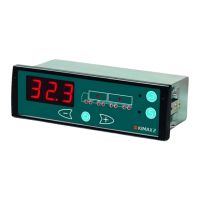
KIMAX2
Menu
Configuration
Calibration
Protecting
calibration
Electrical
installation
Sensor
installation
Additional
information
Configuration
The configuration is a onetime customization of your Kimax 2 instrument, which adapts it to fit
your vehicle. When a Kimax 2 instrument leaves Sense-Tech Weighing Systems ApS, it is pre-
configured to fit your vehicle, based upon the information given to Sense-Tech Weighing
Systems ApS, when the order was placed. However if the Kimax 2 instrument unexpectedly
needs additional configuration, the following pages describes how to calibrate a Kimax 2
instrument. Visit www.kimax.com and navigate to the Support section and choose Training
Center. Here it is possible to see some animations showing how to configure a Kimax 2 Radio.
Communication
A Kimax 2 instrument needs to be taught where it is placed in order to make the
communication between more instrument function properly.
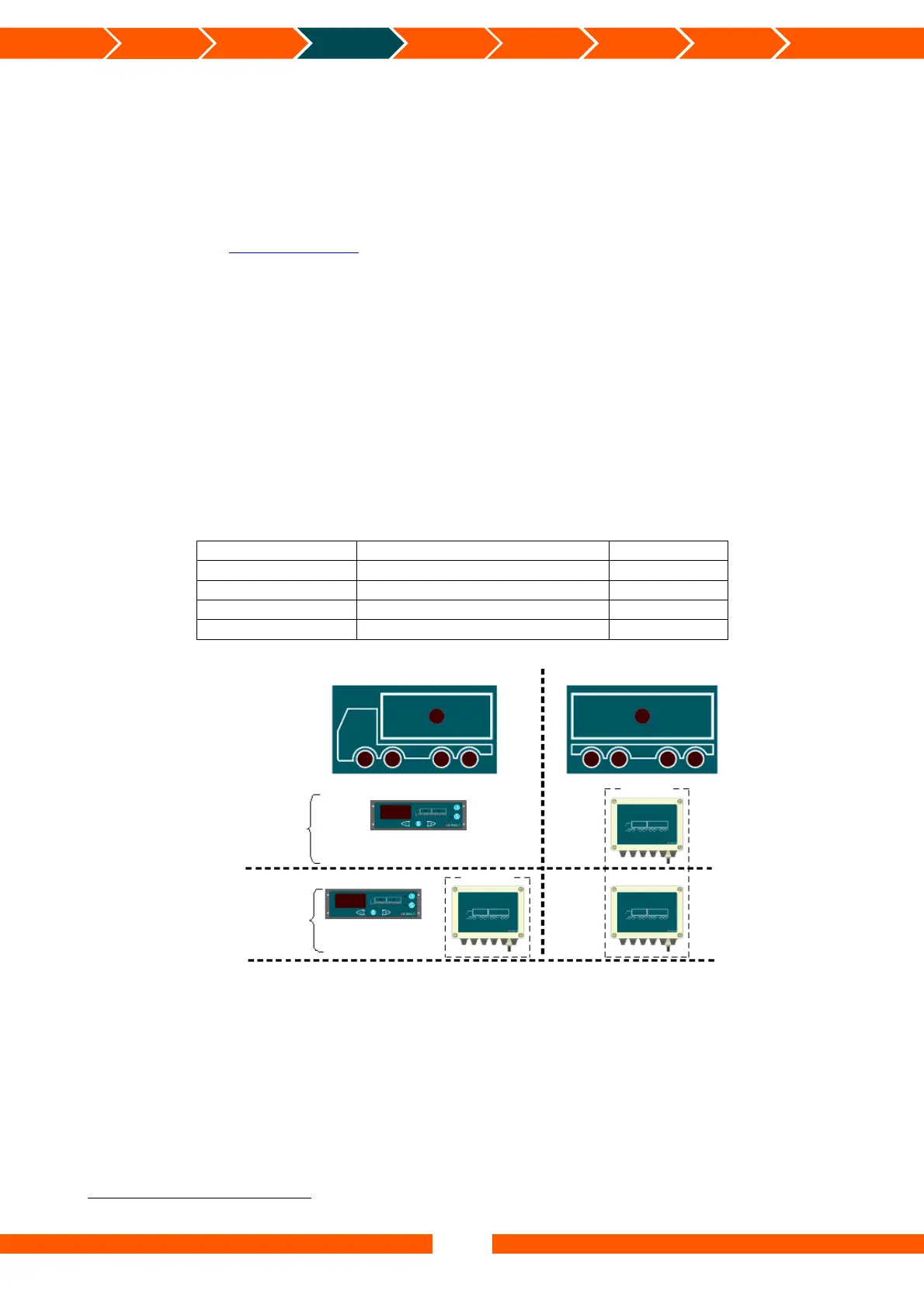
Through the HFA menu the Kimax 2 instrument can be set up to be either a Master or a Slave
instrument. Since the Kimax 2 Radio is intended for use inside the cabin of the truck it needs
to be a Master instrument. You can set up your Kimax 2 Radio to be either a Master instrument
with or without sensors. If it is chosen to use a Kimax 2 Radio as a MUS
14
, it needs to be
connected to a Kimax 2 Sensor (like in scenario 2 below) in order to measure the axle load of
a truck.
Instrument type Master/Slave HFA setting
Kimax 2 Radio MUS (Master without sensors)
HFA = 0
Kimax 2 Radio MMS (Master with sensors) HFA = 1
Kimax 2 Sensor SL1 (Slave placed on truck) HFA = 2
Kimax 2 Sensor SL2 (Slave placed on trailer) HFA = 3
Once you have made the communication setup you are ready to customize the
instrument(s) to your vehicle. This has to be done in order to make the system work
properly.
14
Master instrument without sensors.
Scenario 1
Scenario 2
MMS
MUS
Optional
Optional
SL1 SL2
SL2


 To Next Page
 Loading...