64
©2021 Kimberley Kampers Manufacturing Pty Ltd
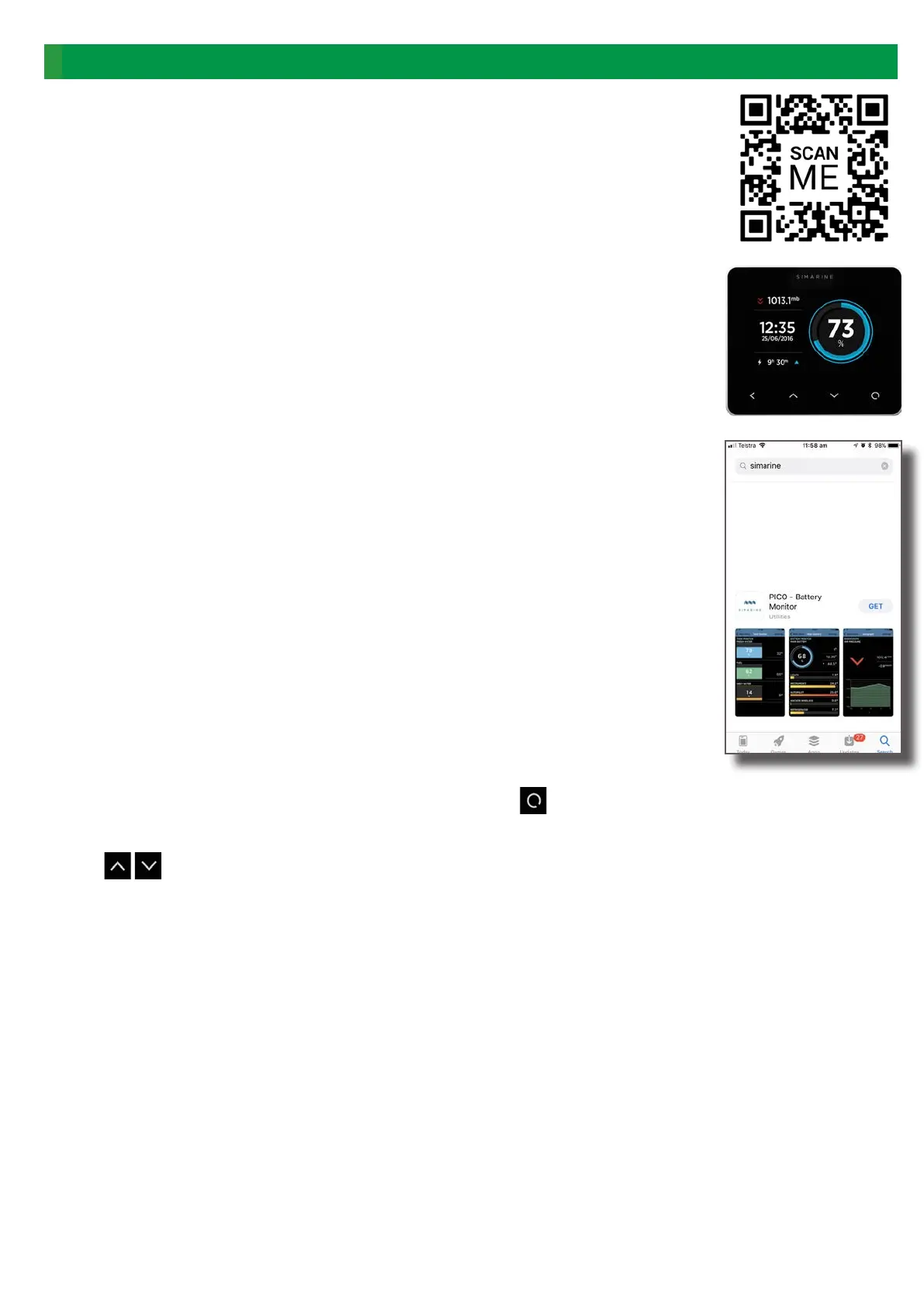
Kimberleys are tted with a touch screen display for monitoring power movement in
and out of your system and to monitor battery state of charge and water tank levels.
To Download the Kimberley Smart Touch APP:
Search “Simarine” in the relevant app store or scan the QR Code on the right.
To connect with Smart Touch from your phone:
Once the App is downloaded there is a two part process to logging in.
1. a) Go into Settings on your phone - then Wi .
b) Find the ‘Pico’ network and click this
c) You will need a password
2. a) Go onto the Simarine in the Kamper and press the bottom right button until
you come to the Settings Menu
b) Arrow down until you come to Wi and press the bottom right hand button to
enter this menu
c) Arrow down until you come to Password reset and press the bottom right
hand button to enter this menu
This will now give you your Pico ID number and the password associated.
Go back to your phone and enter this password into your wi settings menu.
3. Now you should be able to re up the App and mirror all the Simarine data on your
phone.
To operate the Kimberley Smart Touch Display:
If display is in sleep mode, simply tap the touch screen to “awaken” it.
To enter the main menu, press the round symbol in lower right.
To select the alternative displays, touch the “up” or “down” arrows at the bottom of the
screen.
For more detailed information about using this device, see the ‘Operating Instructions’
in Owner’s Satchel.
Energy System | Smart Touch Display


 To Next Page
 Loading...