10
Quick start
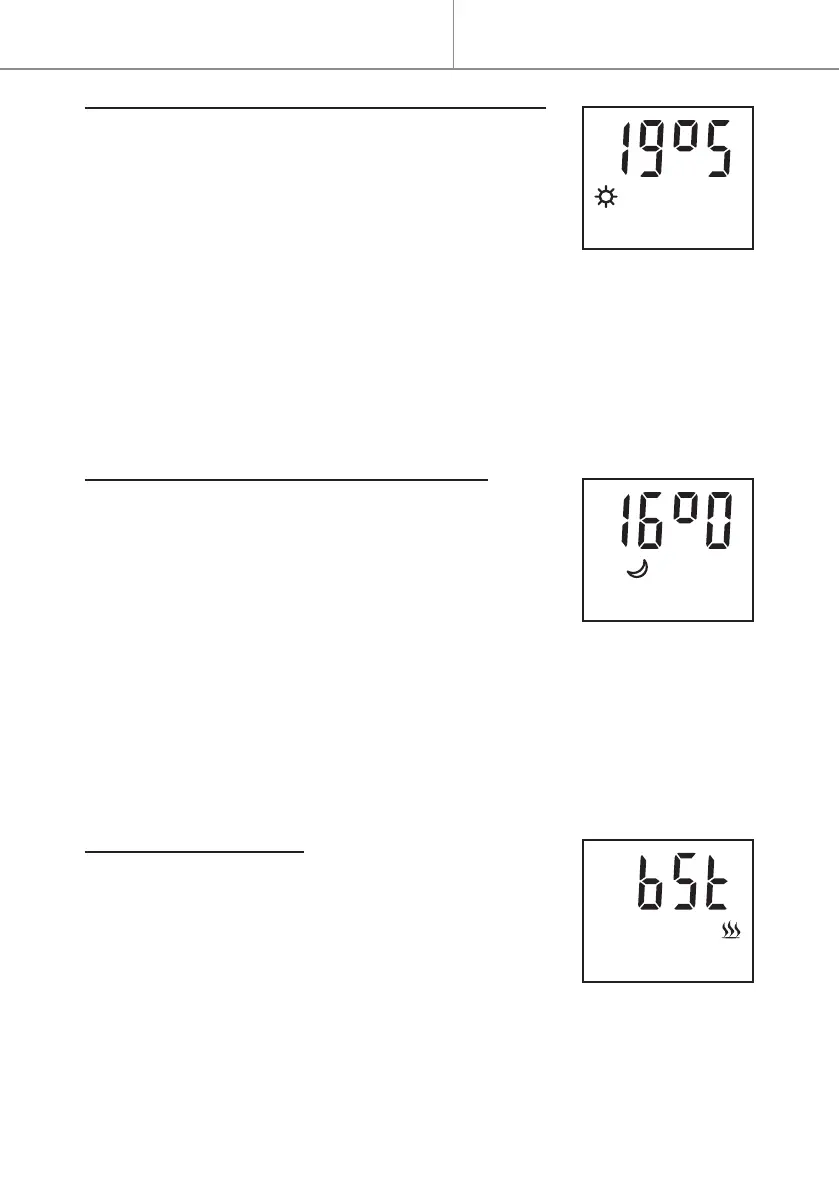
SETTING THE COMFORT MODE TEMPERATURE
The Comfort and ECO setpoint temperatures are
setseparately.
TheComfortmodetemperaturerangeisbetween
13.5°Cand30°Candcanbeadjustedinincrements
of0.5°C.Iflimited,reducetheECOtemperature,as
theComforttemperatureisalwayshigherthanthe
ECOtemperature.
- When Comfort mode (Con) is in operation, press the + or - button to in-
crease or reduce the setpoint temperature ; the temperature ashes.
- Press the MENU button to cancel the setting, or the OK-boost button to
validate the Comfort temperature selected.
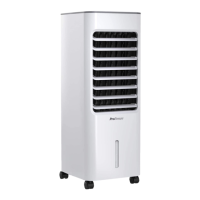
SETTING THE ECO MODE TEMPERATURE
The Comfort and ECO setpoint temperatures are
setseparately.
TheECOmodetemperaturerangeisbetween13°C
and29.5°C andcanbeadjusted inincrementsof
0.5°C.Iflimited,increasetheComforttemperature,
astheECOtemperatureisalwayslowerthanthe
Comforttemperature.
- When Eco mode is in operation, press the + or - button to increase or re-
duce the setpoint temperature ; the temperature ashes.
- Press the MENU button to cancel the setting, or the OK-boost button to
validate the ECO temperature selected.
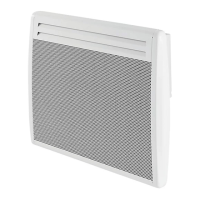
SETTING THE BOOST
Thetemperaturesettingisautomaticallyforcedto
30°Cduringboost.
WhenBoostnishes,thethermostatreturnstothe
modeandtemperaturethatwaspreviouslyset.
- Press and hold for 3 seconds on the OK-boost
button to switch Boost on or o.
- Press the + or - button to select the Boost time: 5, 10, 15, 20, 30, 45, 60,
90 or 120 minutes (the default selection is 60 minutes), then press the
OK-boost button to validate the selection; the remaining time in Boost is
displayed.
Quick start


 To Next Page