Appendix C- Parallel Operation
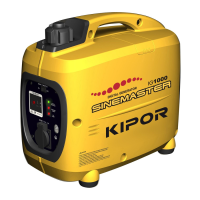
Beginning with the 2011 model year, an IG1000P model was introduced. The IG1000P can be connected
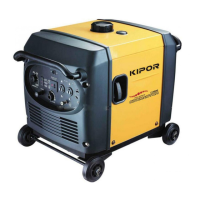
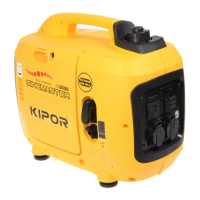
through a parallel kit to a 2011 IG1000P, an IG2000P, or an IG2600P. Connection to an IG2000P built
before 2011 is not permitted.
There are two approved Kipor parallel kits. One has a maximum capacity of 30 amps and has a single 30
amp receptacle. The other has a capacity of 50 amps and has one single 20 amp and one single 30 amp
receptacle. Both receptacles are controlled by circuit breakers.
See the operator’s manual for correct operation of the parallel generators and the parallel kits.
Parallel Operation Troubleshooting
First check that both generators are operating in accordance with their output specifications. The max
and rated output of both generators should be confirmed. All troubleshooting should be performed with
the smart throttle in the “off position.” If there is no output on the parallel panel, check the following:
Condition Cause Corrective Action
The output lights on
both generators are
green
Overload on parallel
panel
Reduce load on panel
Reset Circuit breakers
The output lights on
both generators are
green
Defective parallel
receptacle or cable
Check receptacle for continuity
Check parallel cables for continuity from
generator panel to parallel receptacle
The output lights on
both generators are
green
No signal from inverter
module
Check all inverter connections
Replace inverter module
One or more generators
is showing overload but
total load is within
specifications
Inverter module is not
balancing loads equally
among both generators
Check all inverter connections
Replace inverter module
69


 To Next Page
 Loading...