MOUNTING INSTRUCTIONS FOR THE ACCESSORY LIGHT KIT
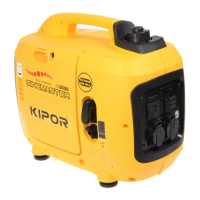
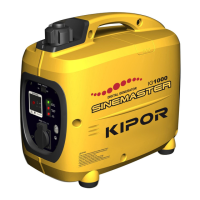
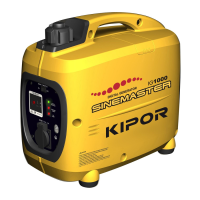
An accessory light kit is designed specifically for use on the IG1000 or IG2000 generator. Make sure you have the
correct kit.
Tools required: Phillips head screwdriver
Parts supplied:
(1) Light Kit Assembly
(2) Antiskid Round Nut
(3) Antiskid Round Stud
(4) Left Mount Plate of Light Kit
(5) Right Mount Plate of Light Kit
(6) Screw M5×45 2PCS
(7) Screw M5×16 1PCS
Assembly:
(1) Remove the screw from the IG1000/2000 Portable Digital Generator and the screws from the side of the
control plate;
(2) Install the mounting plates on the generator using the M5×45 and M5×16 screws. DO NOT TIGHTEN
SCREWS.
(3) Insert the antiskid round stud through the light fixture, left and right mount plates and then lock the antiskid
round stud.
(4) After adjusting the angle of the light, tighten the antiskid round stud, M5×45 screws, and M5×16 screw in turn.
Before operating the light, be sure to read the owner’s manual for operation and maintenance information along
with safety precautions. The light switch must be in the OFF position when starting the generator.
Operation:
To operate the light, plug in the cord to one of the receptacles. Turn the switch on and readjust the light as
necessary. The light consumes approximately 500 watts so available power to the other receptacle is reduced.


 To Next Page
 Loading...