DSJ-H9 Body Worn Camera User Manual
11
After you register on BWC’s intelligence dispatch software, press PPT or “+” to realize public network
talking. (This feature is optional and can be customized
according to requirements).
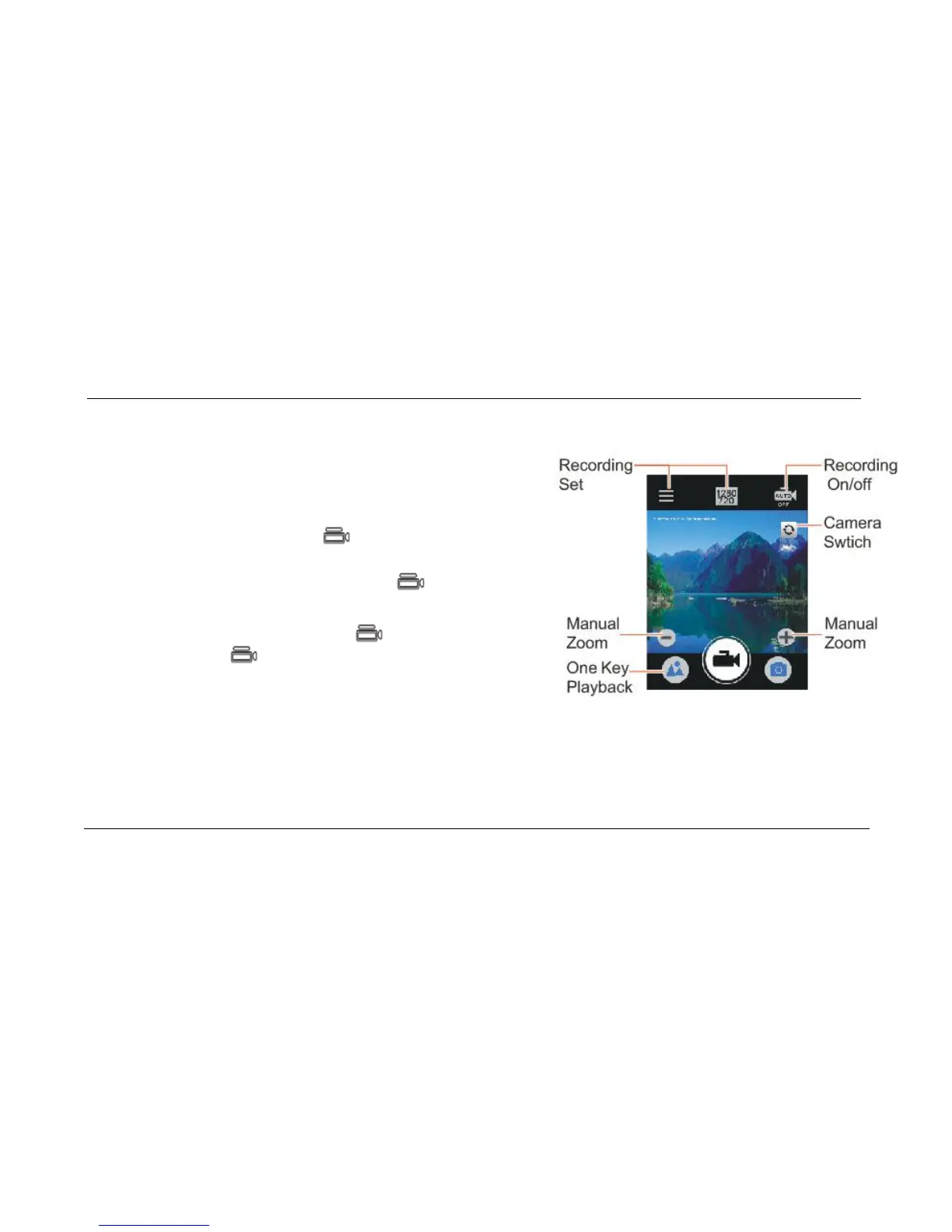
3.6 Recording Button.
On video pre-view mode, press to start recording , the
red indicator light keeps flashing during recording(Long
pressing will mark important video); press again to stop
recording and save the video file;
On power-off status, press and hold to enter one-touch
video mode; press again to stop recording and save the
file.
On preview recording mode, below options can be set.
Recording resolution:1920*1080/ 1280*720/ 640*480
Video time:5min/10min/30min
Recording Sound:On/off
Pre-Recording/delay:On/off



 To Next Page