101010101010
Align Refrigerated Drawer Fronts
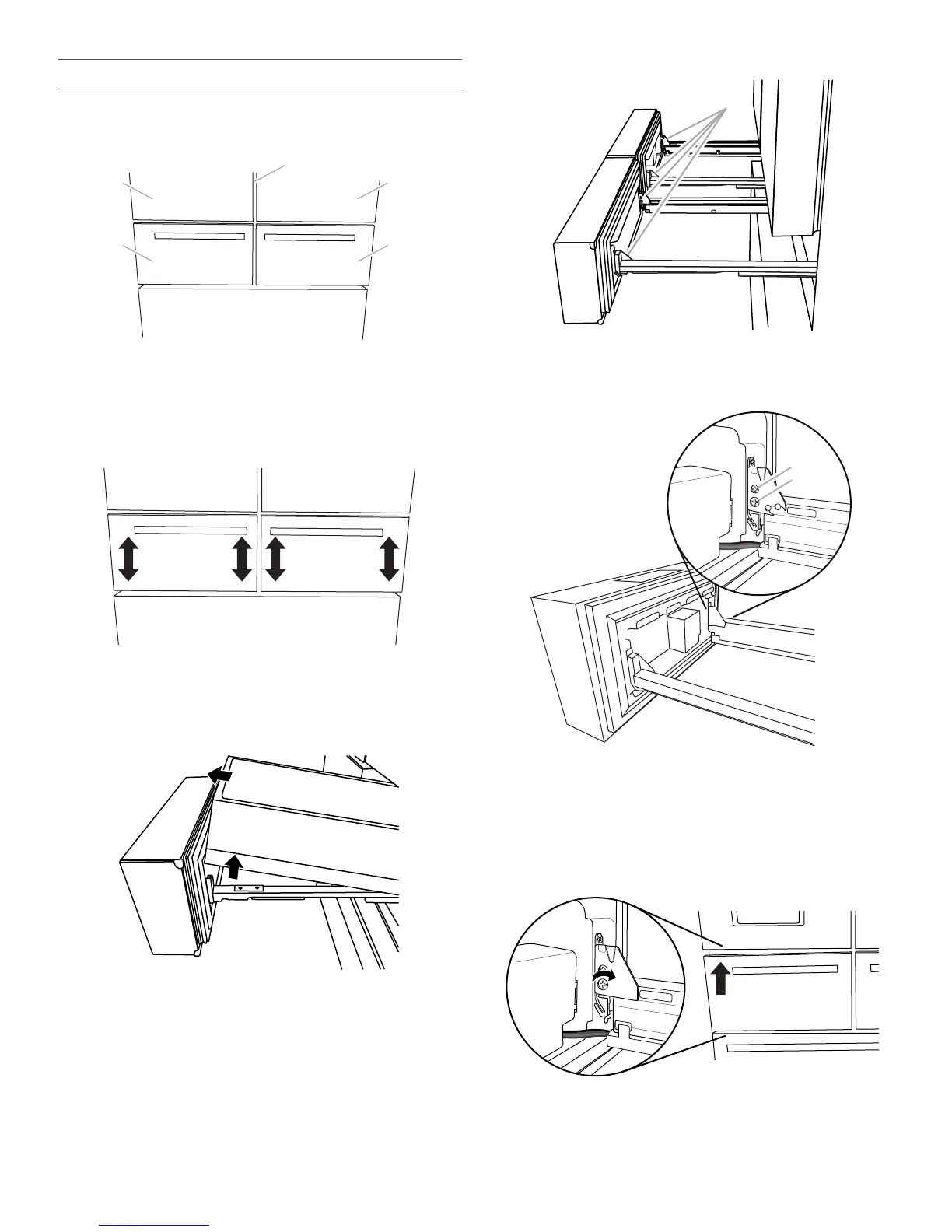
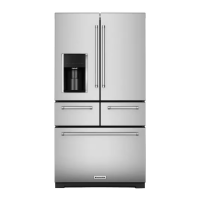
When the drawer fronts are aligned, the width of the vertical space
(A) between the refrigerator doors (B) and the drawer fronts (C) is
the same thickness, and the drawers appear level.
Aligning the drawer fronts is a two-step process. The first step is
to adjust the drawer fronts up and down. The second step shifts
the drawer fronts from side to side. Visually inspect the
refrigerator for alignment and adjust the drawer fronts as needed.
Step 1 - Adjust the Drawer Fronts Up/Down
IMPORTANT: Each refrigerated drawer can be adjusted up and
down on both the left and the right sides.
Tools Needed: Phillips screwdriver
1. With the drawers closed, identify the drawer front that needs
to be raised or lowered.
2. Open the drawer to its full extension. Grasp the sides of the
interior bin, and then lift it up and out to remove.
3. Locate the drawer glide brackets (A).
4. Insert the Phillips screwdriver into screw (A) and turn
counterclockwise to loosen the drawer front.
5. Insert the Phillips screwdriver into screw (B) to adjust the
drawer front.
IMPORTANT: The direction you turn screw (B) depends on
which side of the drawer you are adjusting.
Left-Hand Side Drawer Glide
■ To raise the drawer front, turn screw (B) clockwise.
■ To lower the drawer front, turn screw (B)
counterclockwise.
A. Drawer glide brackets
A. Tightening screw
B. Adjusting screw



 To Next Page