29
EN
Chiller operation
General Controller Operation
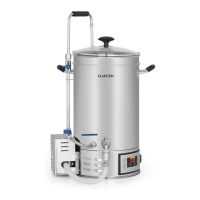
1. Plug in the brewer.
2. Turn on the power and the controller will display the current temperature in
Centigrade.
3. Press the STEP SET/START/OFF button to set the program.
4. When ‘S1’ is ashing, press the TEMP button and SET- button or SET+ button to
select target temperature, press the TIMER button to adjust the duration and press
POWER button to adjust the heating power. During step 1 the power should be the
highest setting.
5. If you only want to program one step, press and hold the STEP SET/START/OFF
key for 3 seconds to start heating up. Otherwise, press the STEP SET/START/OFF
button twice and proceed to the next step. S2] starts ashing.
6. After you have nished setting step 4, hold down STEP SET/START/OFF button fot
3 seconds to start the program and the machine will start to heat up.
7. The controller will turn off automatically when the program nishes.
8. When one step has nished and the machine is ready to go to the next step, it will
beep 9 times.
9. Press the TEMP, TIMER or POWER buttons to change the values when heating or
keeping warm. Set the target value using the SET- and SET+ buttons and wait ve
seconds. The target value is copied. Do not hold down the STEP SET/START/OFF
key, this resets the programming.
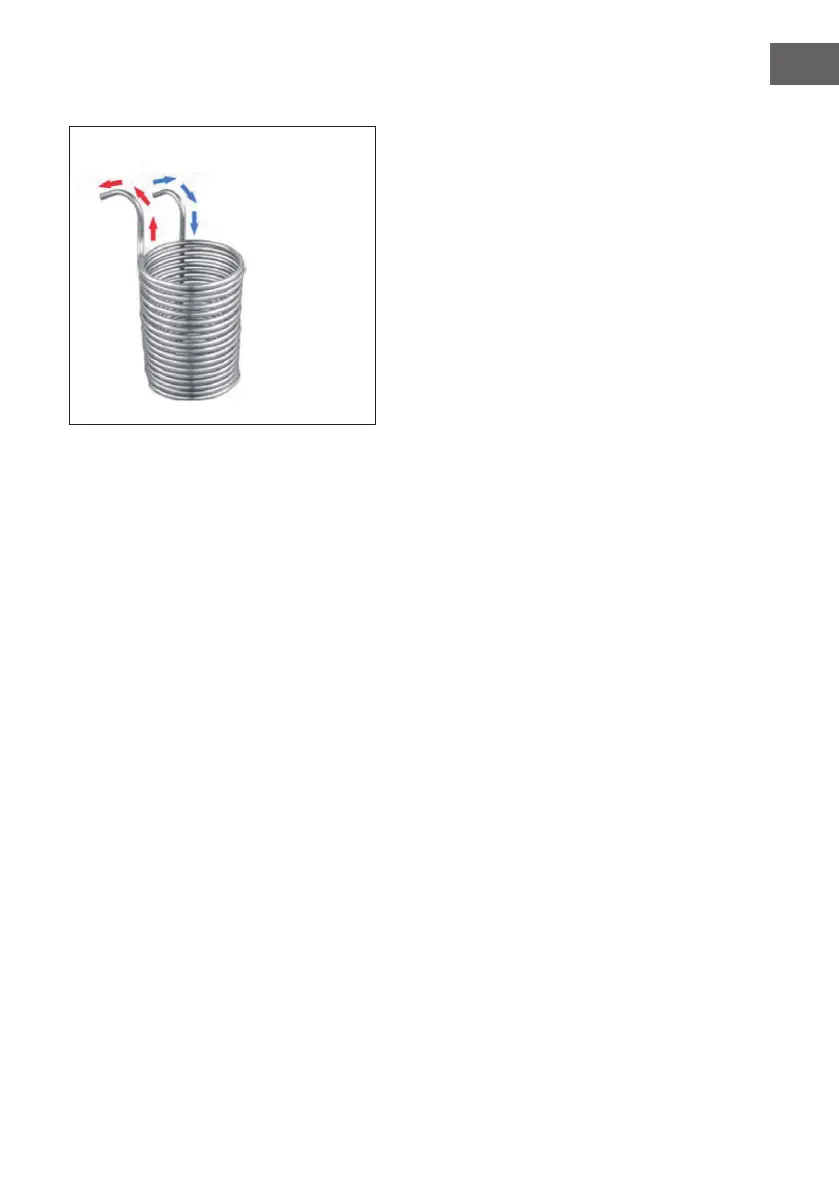
Water out
Water in


 To Next Page