23
EN
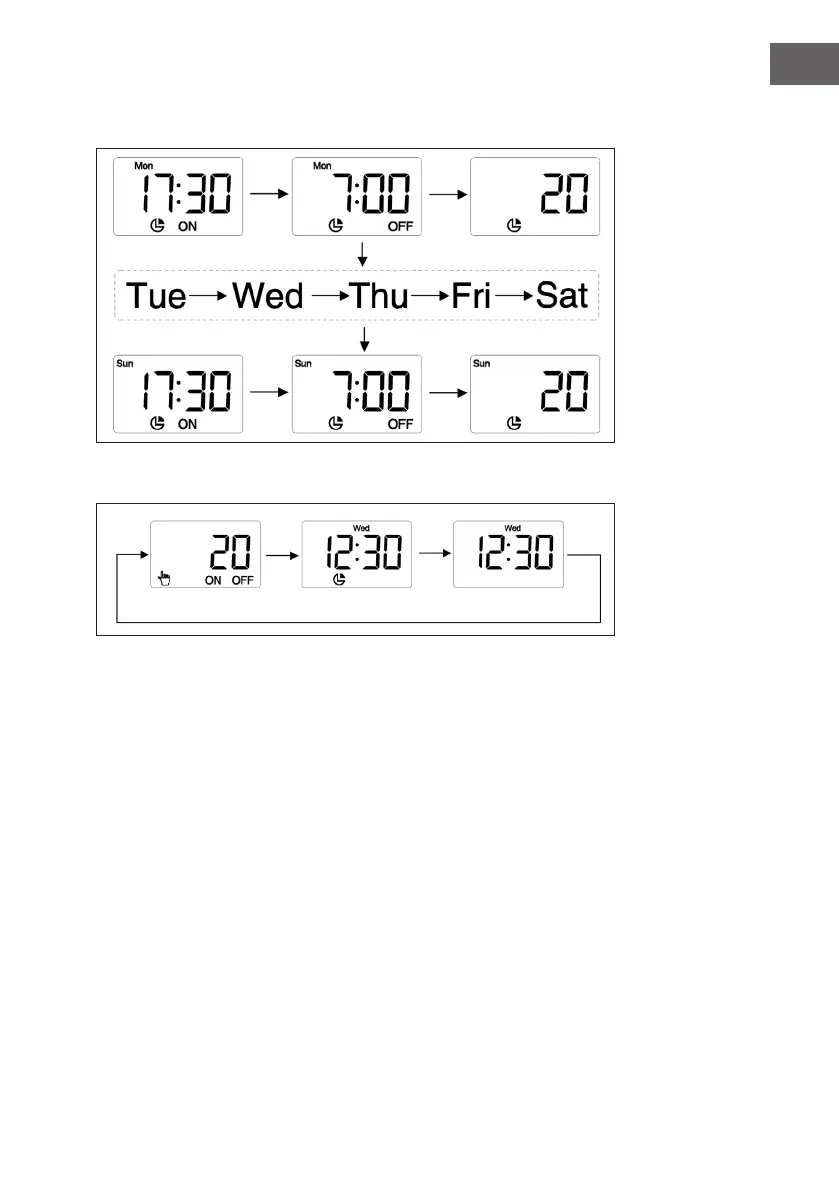
6. Set the weekly program. 6: Press the SET button and use the (+) and (-) buttons to
set the turn-off time, turn-on time and temperature.
7. Set mode: Press the MODE button to set the desired mode.
8. Program mode: The instrument is operated according to the program.
9. Auto mode: The heater is operated automatically. If the room temperature is 5 °C
below the set temperature, the unit starts up 30 minutes before the set switch-on
time. If the room temperature is more than 6 °C below the set temperature, the unit
starts up 60 minutes before the set switch-on time.
10. Anti-freeze mode: Set the temperature to 5°C to keep the ambient temperature
above freezing. This prevents pipe breakage due to ice.



 To Next Page