14
EN
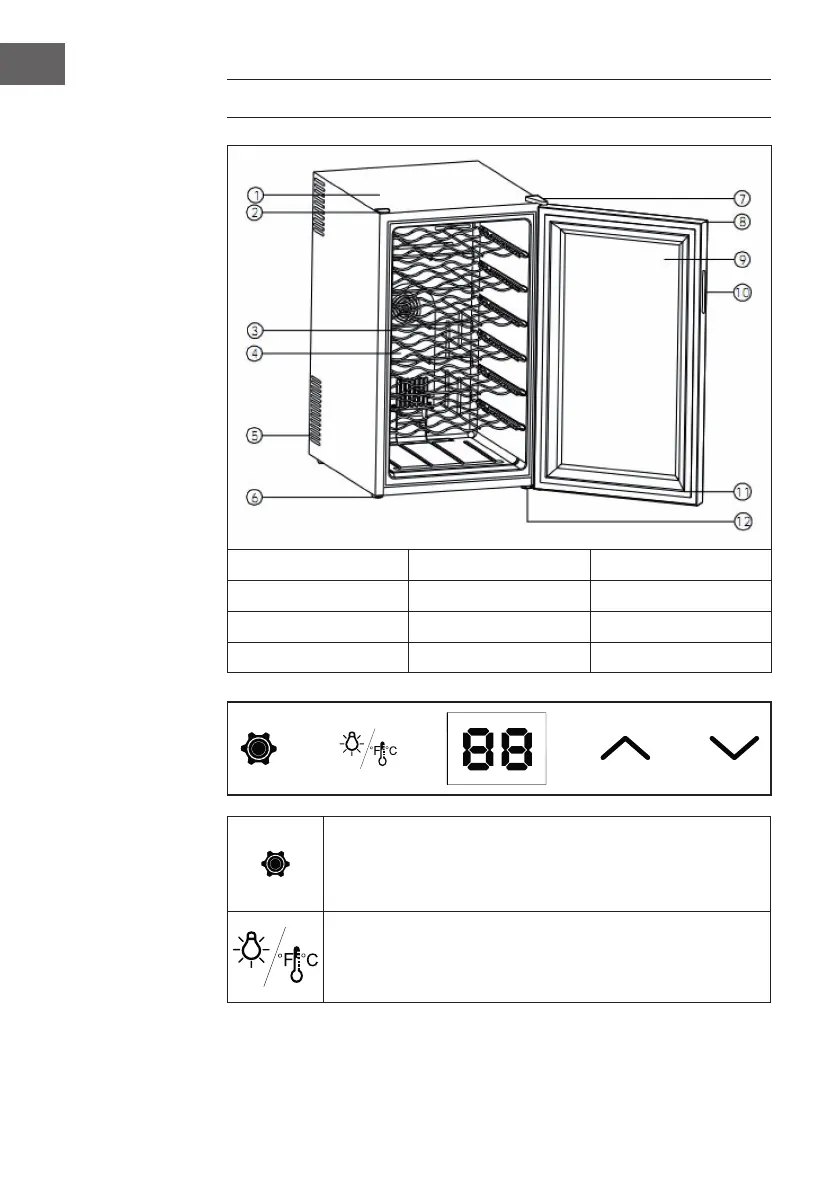
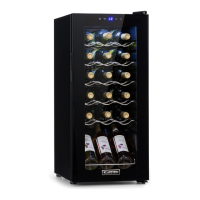
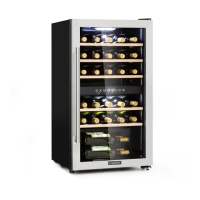
PRODUCT DESCRIPTION AND CONTROL PANEL
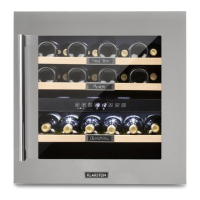
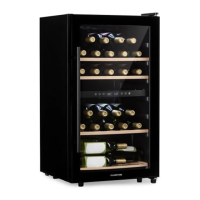
1 Cabinet 5 Ventilation holes 9 Glass door
2 Plastic Cover 6 Feet 10 Handle
3 Shelf 7 Upper door hinge 11 Door gasket
4 Fan cover 8 Door Panel 12 Lower door hinge
Press and hold this button for 3 seconds to unlock the control panel.
A beep will signal unlocking. You can switch between display in
Fahrenheit and Celsius by pressing for one second. The number of
degrees is shown in blue colour on the screen.
Press the button in the unlocked panel to turn off the lighting in the
display and the interior. Press the button again to turn both lights
on again. The interior lighting switches itself off automatically after
10minutes in order to save energy.



 To Next Page