48
EN
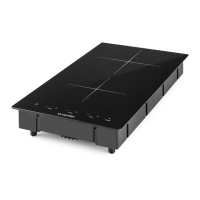
Cleaning the induction hob
• Do not use steam cleaners.
• Before cleaning, make sure the cooking zones are switched o and that the
residual heat indicator (“H”) is not displayed.
• Do not use abrasive sponges or scouring pads. Their use could eventually ruin
the glass.
• After each use, clean the hob (when it is cool) to remove any deposits and
stains due to food residuals.
• Sugar or foods with a high sugar content damage the hob and must be
immediately removed.
• Salt, sugar and sand could scratch the glass surface.
• Use a soft cloth, absorbent kitchen paper or a speci c hob cleaner (follow the
Manufacturer’s instructions).
Troubleshooting for the induction hob
• Read and follow the instructions given in the section “Instructions for use”.
• Check that the electricity supply has not been shut o .
• Dry the hob thoroughly after cleaning it.
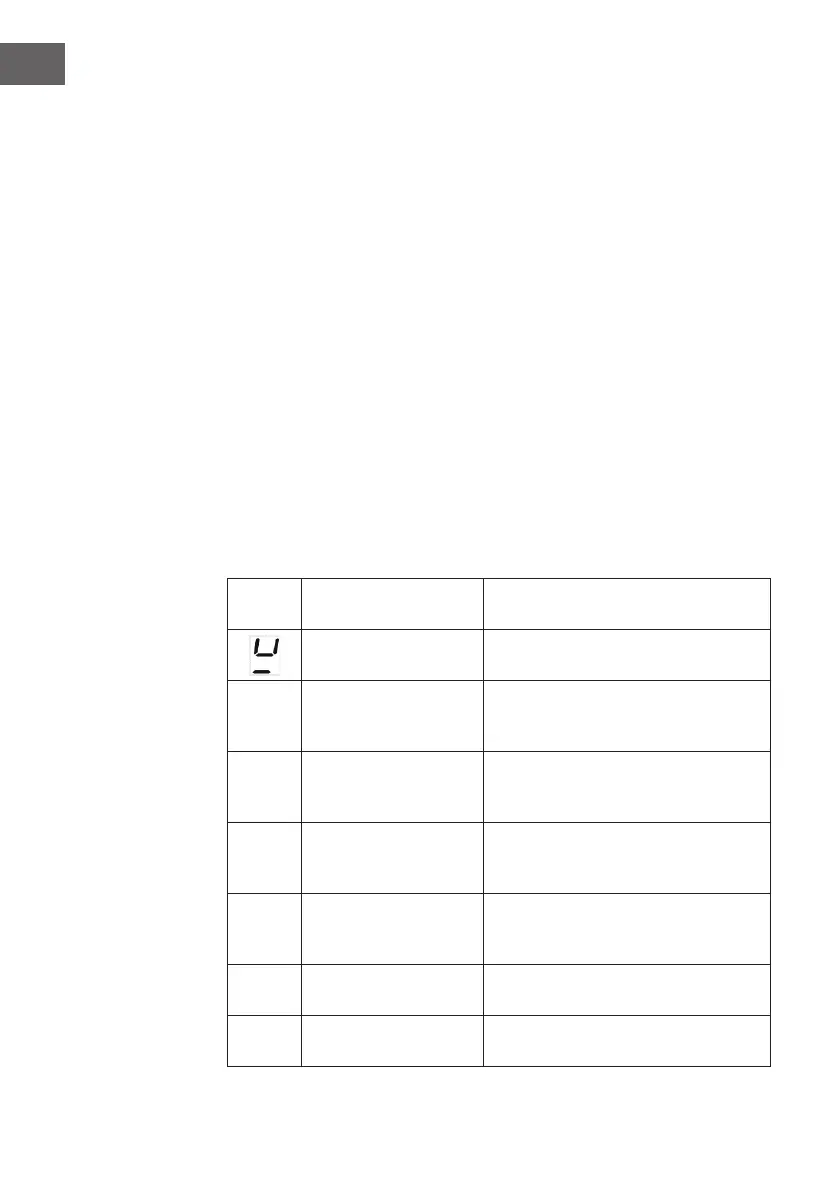
• If, when the hob is switched on, alphanumeric codes appear on the display,
consult the following table for instructions.
• If the hob cannot be switched o after using it, disconnect it from the power
supply.
Error
code
Possible Cause Remedy
No Pan or did not detect
the pan.
Put on the pan
E0
The display board
cannot receive the signal
from the power board.
Check the connection between the
display board and the power board, if
not , replace the power board.
EA
The display board
cannot receive the signal
from the power board.
Check the connection between the
display board and the power board, if
not , replace the power board.
E1 High voltage
Please inspect whether power supply is
normal. Power on after the power supply
is normal.
E2 Low voltage
Please inspect whether power supply is
normal. Power on after the power supply
is normal.
E3-E4 Abnormal temperature.
Please inspect the pot. Please restart
after the hotplate cools down.
F3-F5
F9-FA
NTC short or open
Call the after-sales service and specify
the error code.



 To Next Page