11
EN
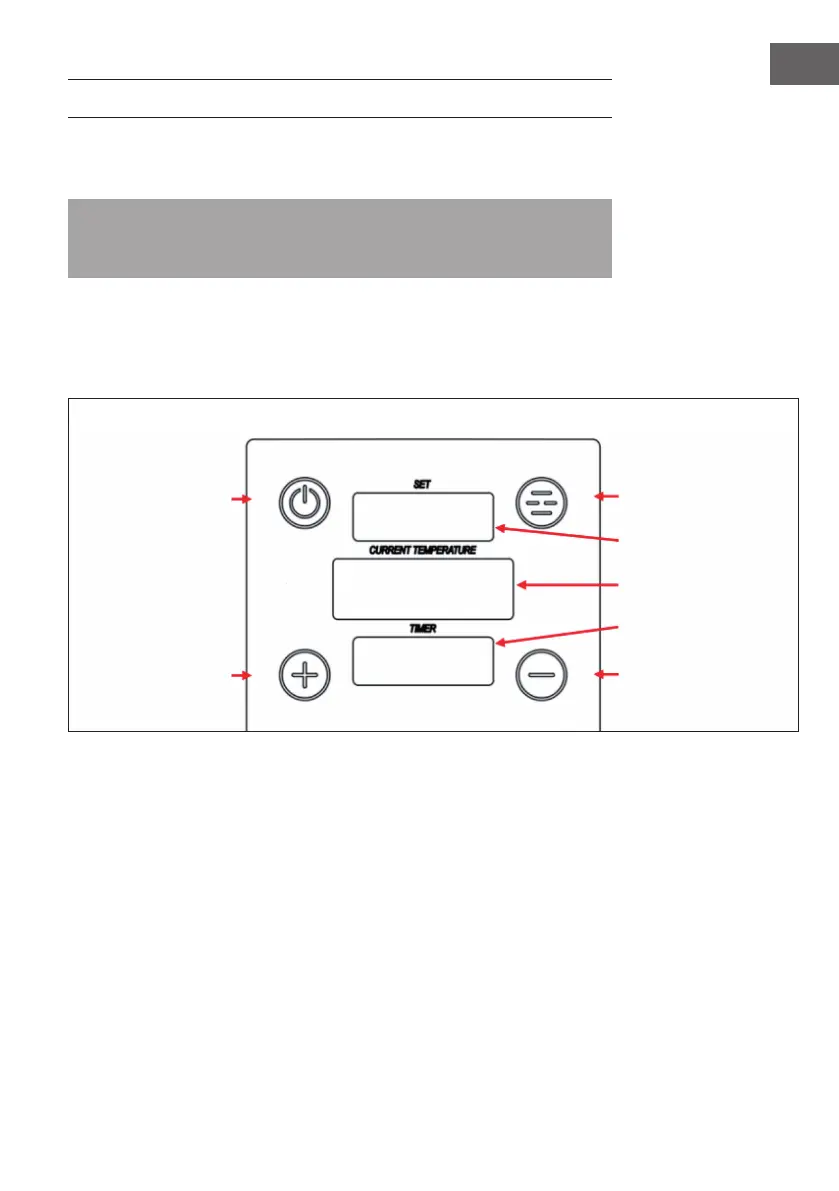
CONTROL PANEL AND OPERATION
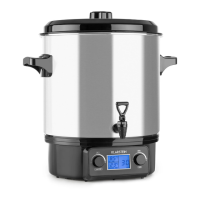
(1) Fill the tank with water. The water level should be above the MIN mark on the
display at the front of the tank.
Note: When the water heats up, it evaporates partially. The appliance is equipped
with a control mechanism that detects the water level. If the water level is too low
(below the MIN mark), the appliance will automatically switch off.
(2) Press and hold the POWER button on the control panel for at least 2 seconds. The
upper display shows the set water temperature. The lower display shows the current
water temperature. The temperature can be set between 0-85 °C (32-185 °F) to
adjust the temperature.
(3) Press the SET button repeatedly to select SET TEMP and SET TIME. The display will
ash. Then use the [+] or [-] button to set the desired temperature or time. Wait a
moment until the set value is accepted and the display stops ashing.
(4) Press and hold the SET button to switch between °C and °F. A beep indicates that
the setting has been accepted.
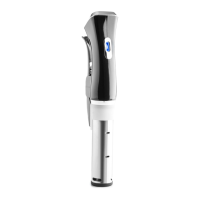
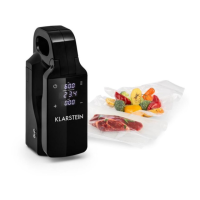
POWER button
PLUS button
SET button
Displays the set
temperature
Displays the current
temperature
Shows the timer
MINUS button


 To Next Page