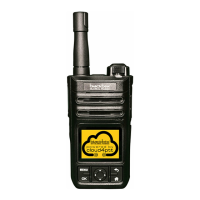
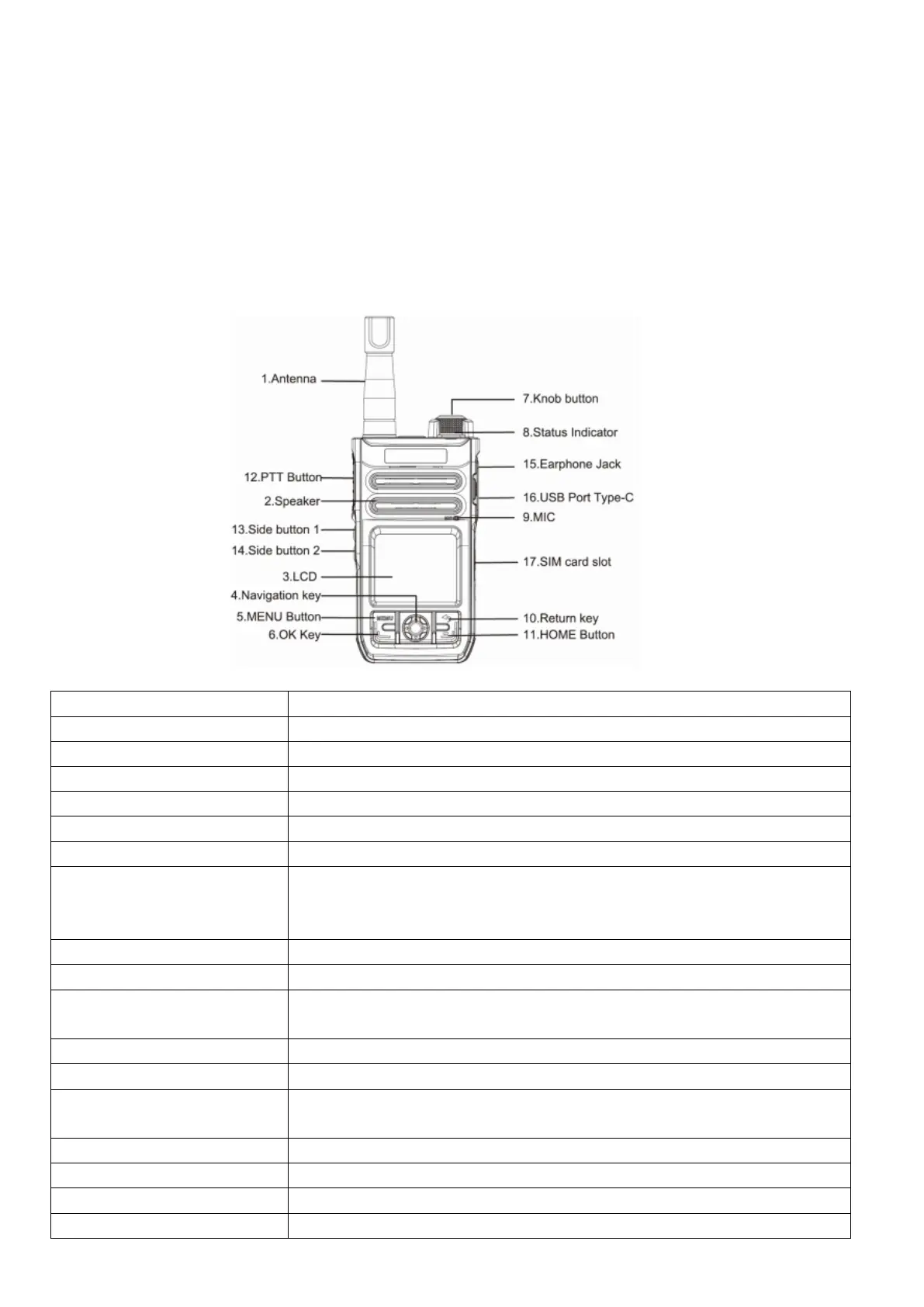
Parts Function
1.Antenna LTE 4G main antenna
2.Speaker Electrical signal is converted into acoustic signal
3.LCD Display User interface
4.Navigation key In standby, you can select the application on the interface.
5.MENU Button Enter menu
6.OK Key Confirm button
7. Knob button
(Volume button/Long press to
Switch it On/Off)
Press and hold the button for 3 seconds to On/Off, rotate the knob clockwise to
increase volume, rotate counterclockwise to decrease volume.
Note: To wake up the screen, short tap the power button.
8 Status Indicator View product specifications in detail
9.MIC Convert audio signal to electric signal
10.Return key Return to the previous menu, no effect under the main menu;
During Voice call mode, short press to exit.
11.HOME Button Press to return to the main menu on any page(except the main menu)
12.PTT Button To trigger and release call: Press to talk and release to finish.
13.Side button 1 Short press to continuously broadcast the current group, current user. Long press
to enter one key alarm.
14.Side button 2 Short press to switch groups. Long press to change the keyboard.
15.Earphone Jack 3.5mm
16.USB Port Type-C Used to connect to computer PC software or to charge
17.SIM card slot Micro SIM
Charging the Battery
Charge the battery with the specified charger and charge the battery as follows:
1. Insert the Type-C plug of the switching power supply into the Type-C jack on the right side of the radio.
2. When the radio is turned on, connect the power supply to the AC power output socket. You can see that the radio status
indicator (LED) turns red and flashes slowly, indicating that the power supply is normally connected; when the status
indicator (LED) turns from red to green light and flashes slowly, it means fully charged (The battery capacity is above 90%).
3. When the radio is switched off, connect the power supply to the AC power output socket. Firstly, the screen will light up
and display the battery capacity icon. You can also see the radio status indicator (LED) turns stable red light, which means
the power supply is normally connected; when the radio status indicator (LED) turns from red to a stable green light it
indicates fully charged (The battery capacity is above 90%).


 To Next Page
 Loading...