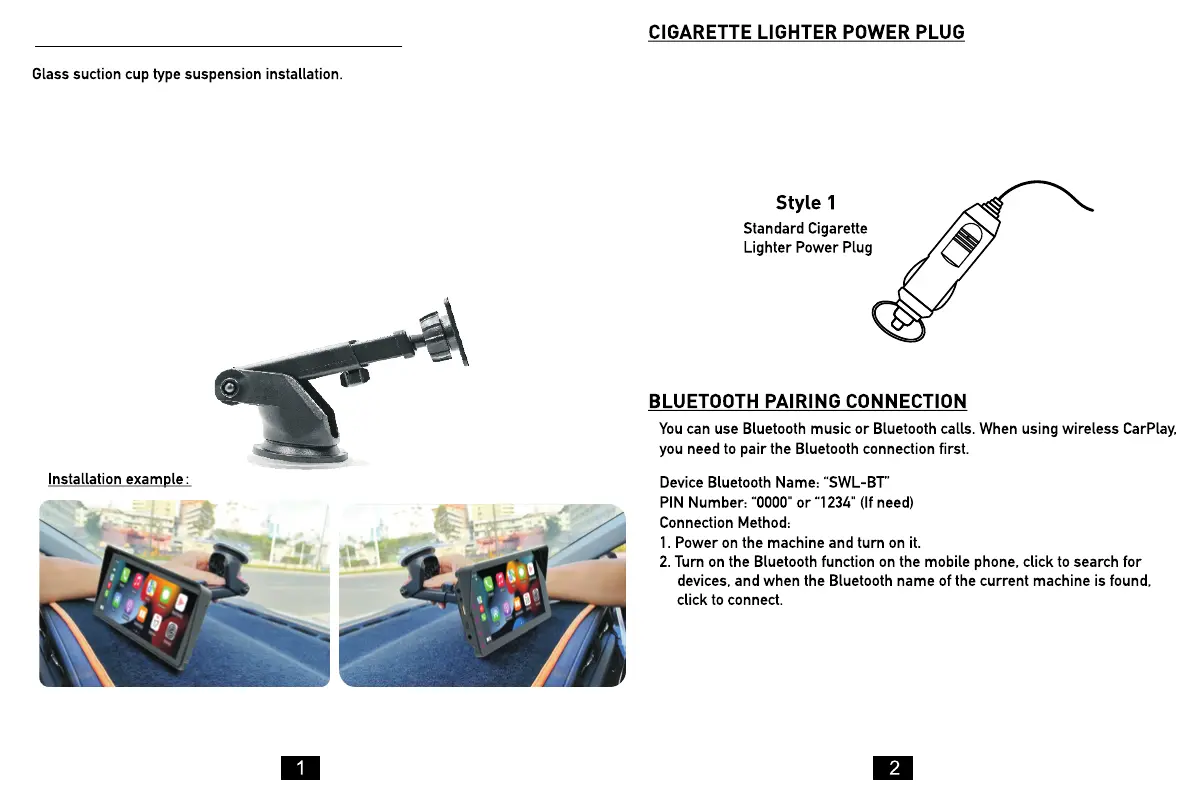
1. To suction the mounting bracket, place it on your desired surface and push
down on the locking lever.
2. To adjust the length of the mounting bracket neck, turn the locking dial
anti-clockwise to loosen. Pull up or down to adjust to your desired length. Once
you've achieved your desired view, turn clockwise to lock.
3. To adjust the height of the mounting bracket, turn the dial closest to the
suction base anti-clockwise. Move it up and down to reach your desired height.
Once chosen, turn clockwise to lock it into place.
This device is powered by the cigarette lighter power plug. To power
the SmartPlay™, first plug the power cord into the DC port on the
left-hand side of the screen. Then, connect the other end of the
power cord into the cigarette lighter port of your car, to turn it ON.
How to install the Mounting Bracket:



 To Next Page