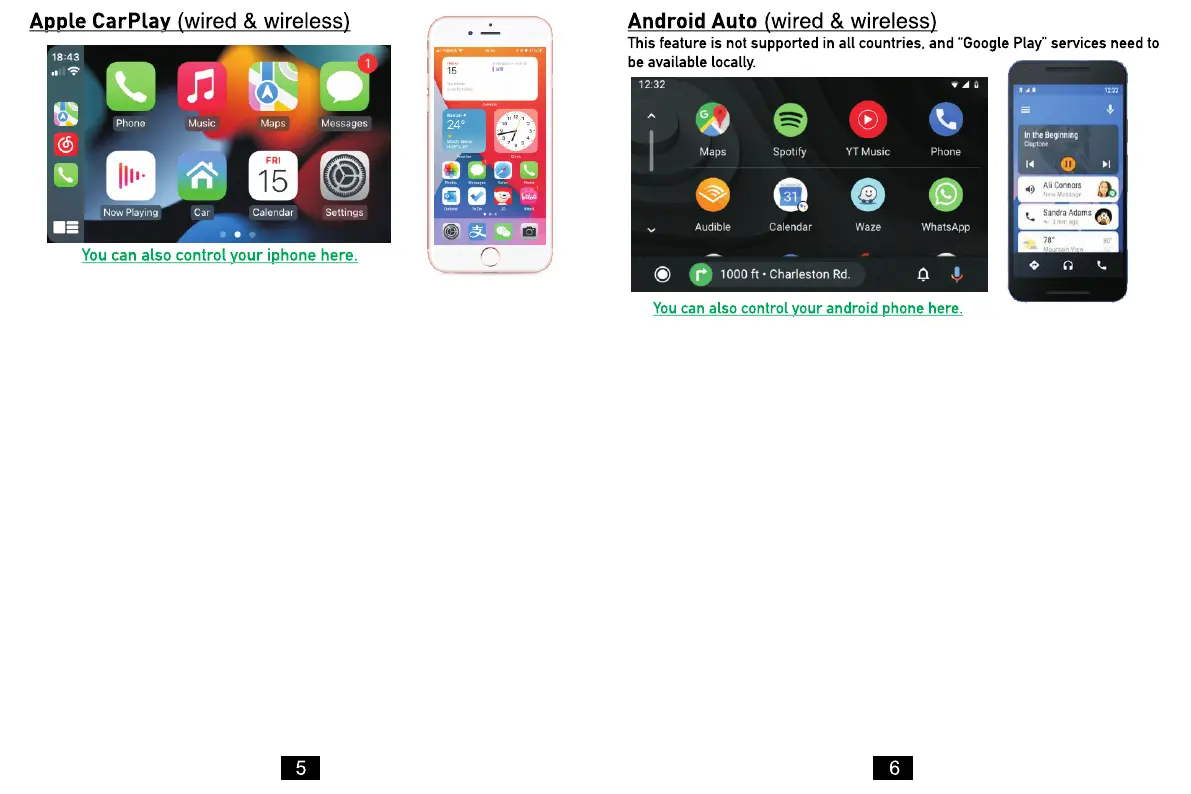
On your Smartplay™, go to phone link and under iPhone settings,
ensure that Auto Connect is set to CarPlay.
Wired: Simply connect the lightning USB power cable into the
left-hand side of the SmartPlay™ screen and the other end into your
iPhone. From there, it will automatically enter the CarPlay interface
(lightning power cable not included).
Wireless: First turn on the Bluetooth and Wi-Fi functions of the
mobile phone.
Press the Phone App Icon on the SmartPlay™, which is labelled
Bluetooth. Then select "Pair," which is the 4th option at the bottom of
the screen. Open settings on your iPhone and select Bluetooth. On
your iPhone screen, under devices, select SWL-BT and follow the
pairing process, from there it will automatically enter CarPlay
interface.
(Note: The signal is transmitted through Wi-Fi at this time, so even if
the Bluetooth function is turned off, it will be transmitted normally.
When the Wi-Fi function is turned off, CarPlay will be disconnected.)
1. Need to download and install “Android Auto” software in “Google Play”.
2. A mobile phone with Android 6.0 or higher must be used. It must use a
valid data cable connection.
On your Smartplay™, go to phone link, and under Android settings, ensure
that Auto Connect is set to Auto.
Wired: Simply connect the USB power cable into the left-hand side of the
SmartPlay™ screen and the other end into your Android. From there, it will
automatically enter the Android Auto interface (power cable not included).
Wireless: Press the Phone App Icon on the SmartPlay™, which is labelled
Bluetooth. Then select "Pair," which is the 4th option at the bottom of the
screen. Open settings on your Android and select Bluetooth. On your Android
screen, under devices, select SWL-BT and follow the pairing process by
entering the pin code found on the SmartPlay™ device, then follow on with
the privacy process, from there it will automatically enter the Android Auto
interface.



 To Next Page
 Loading...