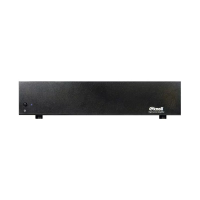
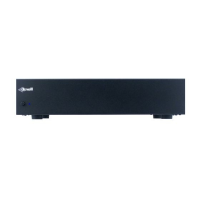
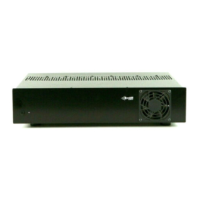
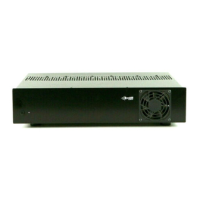
AC120V
140 watts
L
R
L GAIN R
IN OUT
Note 1: Ideal speaker impedance is 4-8 ohms.
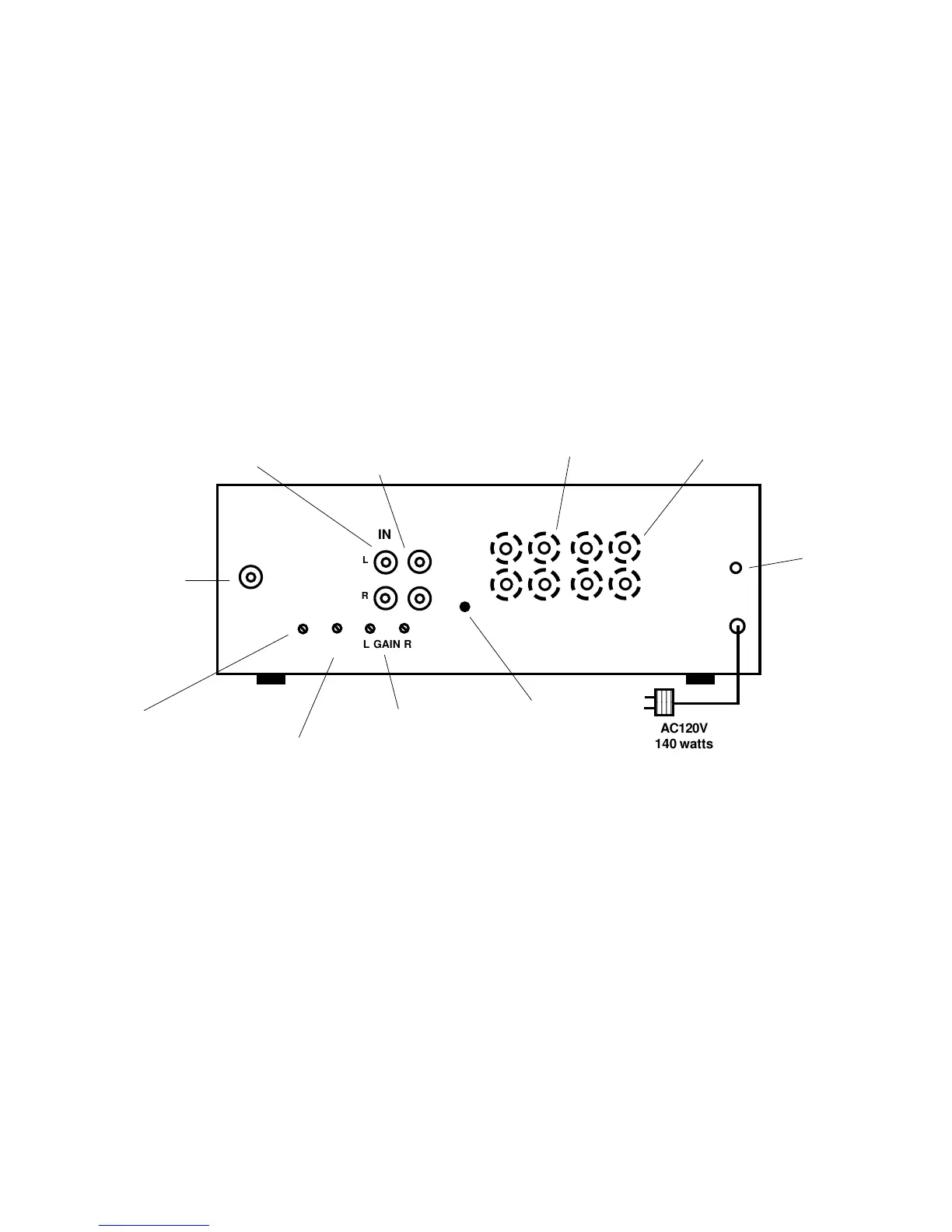
MA205 REAR PANEL
4-16 ohms
AMP INPUTS
TO SPEAKERS
L
R
+
+
-
-
Sens
Delay
Video
Input
Music sense
Out=Active
Connect a video output
such as VCR or plasma
TV to here if the amp is
to be triggered on when
a video signal is
present. Make sure the
music sense button is in
the out position. For
video sensing without
music sensing turn the
"Sens" pot fully
counterclockwise.
Connect stereo line
level inputs here
Connect these unbuffered
stereo line outs to other
amplifier inputs as needed
Connect the "Amp Inputs" speaker
level inputs to the whole house
audio system or other amplifier
output. The signal here passes
directly to the speakers when the
MA205 amp isn't triggered or
turned on
Connect the "To Speakers" terminals
to the 4-8 ohm speakers
Connect this 3.5mm
trigger jack if the
amp is to be triggerd
on when a 12 VDC
signal is present.
Polarity can be
reversed.
The music sense (auto turn
on when music is present)
button should be OUT
(active) when the MA205
power is to be triggered
either from music sense
from the video signal.
The music sense button
should be IN when the amp
is turned on and off with
either the front panel
power switch or the 12
VDC trigger.
Adjust the gain
when the system is
on. Best signal to
noise ratio is when
amp gains are on
full (clockwise).
When using music sense
only, adjust Sens so the
amp turns on when source
music is at a medium low
volume. Sens is not used
for video on or trigger on.
For video sensing without
music sensing turn the pot
fully counterclockwise.
After amp is on, delay is
used to turn off amp
after source music ends.
Ideal delay adjustment is
about 20-40 seconds. This
feature is used with video
on or music sense only.


 To Previous Page
 Loading...