October | 2017
Page | 9
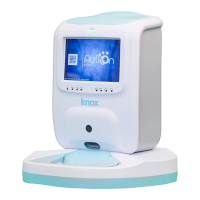
Once you’ve created your Pettion account, it’s time to pair your mobile device to
the Knox Pet Feeder.
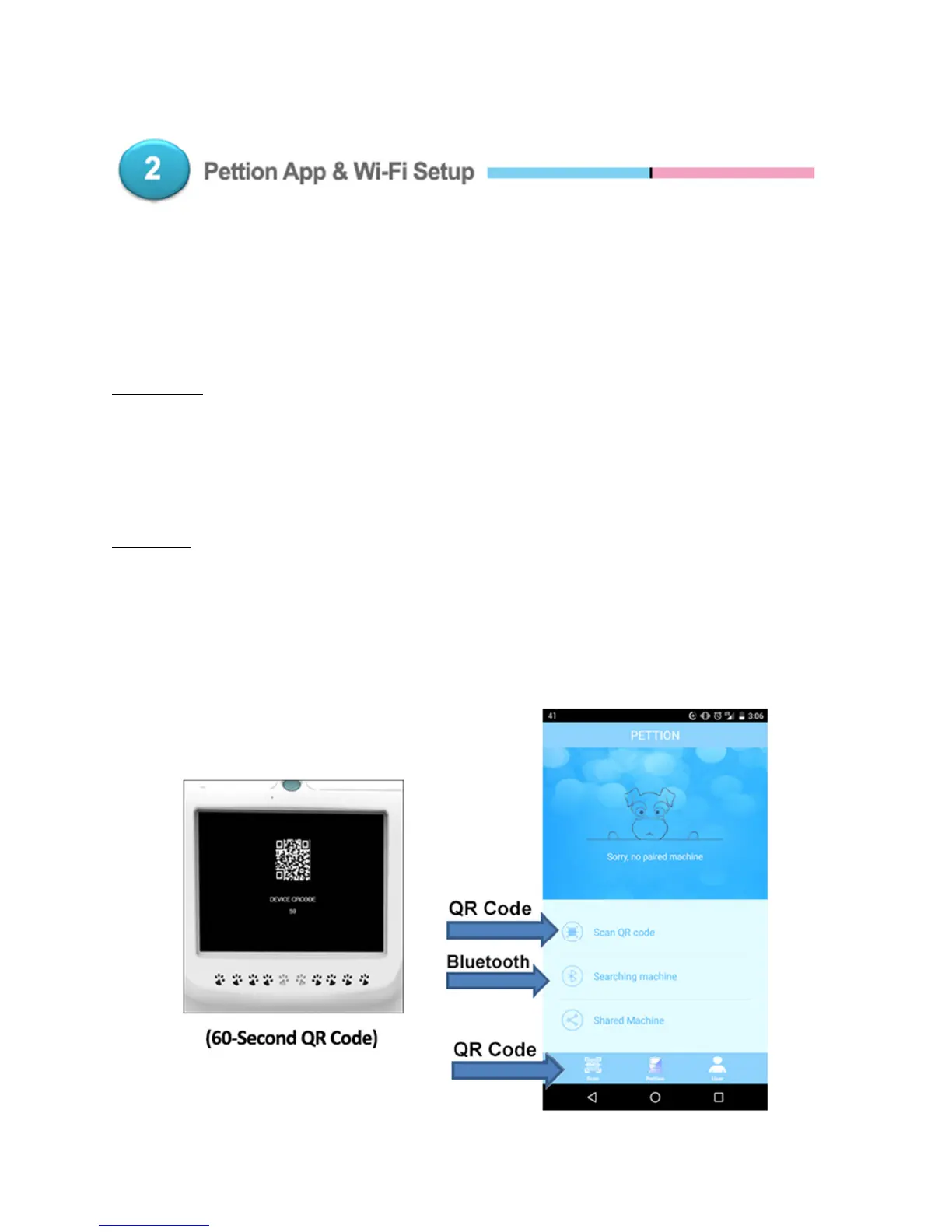
You can do this either via Bluetooth or a QR Code (Tip – Bluetooth sets up faster!)
Bluetooth – On the app, tap “Searching Machine”. Then just follow the steps to
pair your mobile device like you would with any other Bluetooth device.
Please Note – Remember to activate the Bluetooth function on your mobile
device first!
QR Code – Turn on the Pettion app and either tap “Scan QR Code” or the “Scan”
button on the lower left. Turn on the pet feeder until the 60-second QR code
displays on the screen, and scan it! If the pet feeder is already on, turn it off and
back on to display the 60-second QR code.


 To Next Page
 Loading...