3/4
Instructions for use
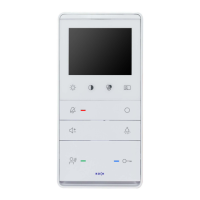
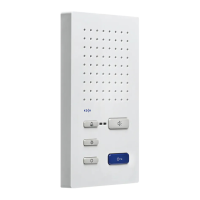
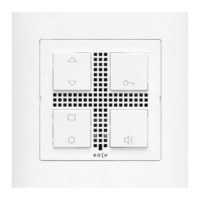
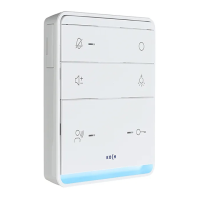
Answer a call • Press the talk button briefly; you now can talk without the need for
any further action (hands-free)
• If the talk button is pressed for more than 1 sec. the unit switches
to Press-to-talk mode (useful when surrounding noise is
disturbing): press talk button > talk / release talk button > listen
End a call • Press the talk button briefly. Talk mode also turns off automatically
after 60 sec. or 4 sec. after the unlock button has been pressed.
Unlock the door • Briefly press the unlock button
Turn on/off the door call • Press the mute button briefly: red LED on = door call off
Display image • Manually: Press the Display button briefly
Display switches on automatically with call at door
Switch off monitor display • Display shuts down automatically after 80 sec. or 4 sec. after
pressing the Unlock button (during talking mode)
Turn on the light
• Press the light button
Control function 8 • Press the function button
(Setup default)


 To Next Page
 Loading...